
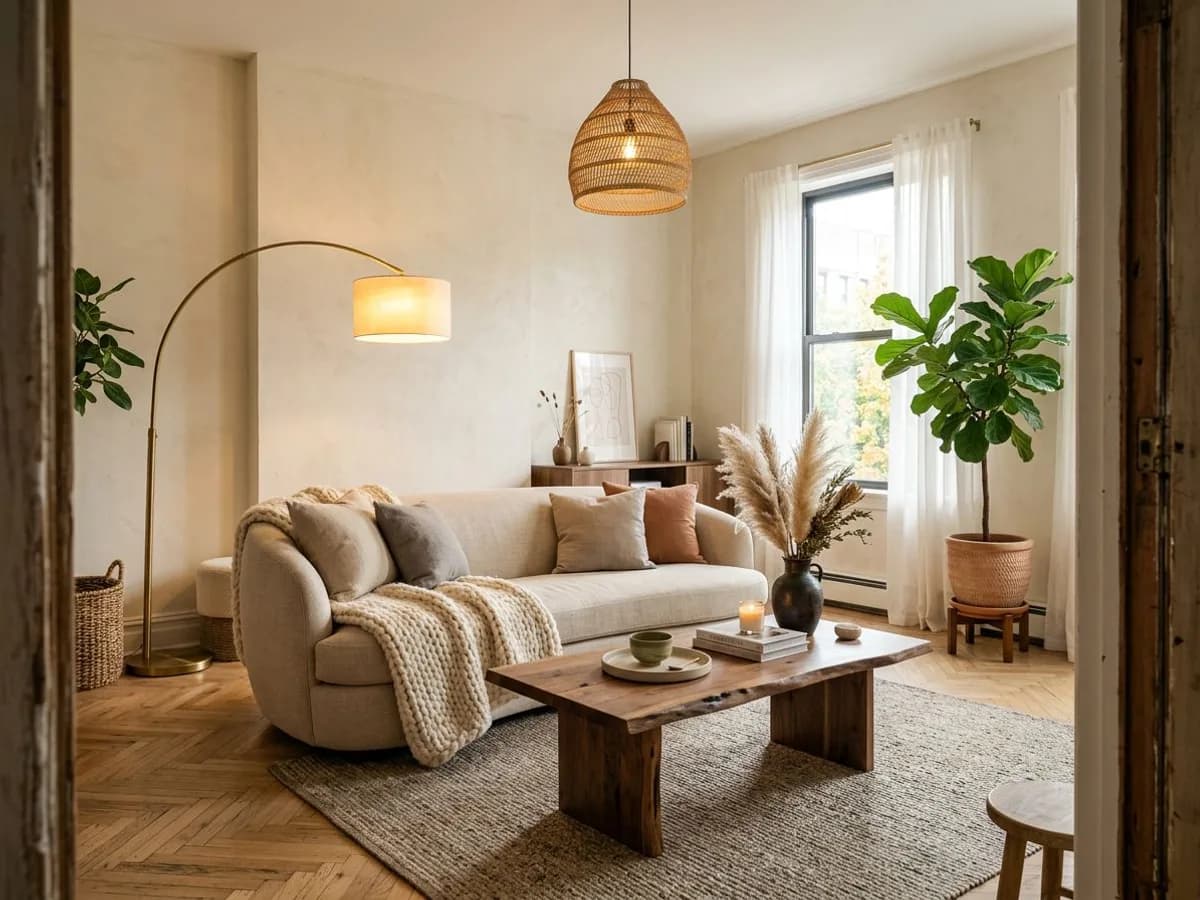
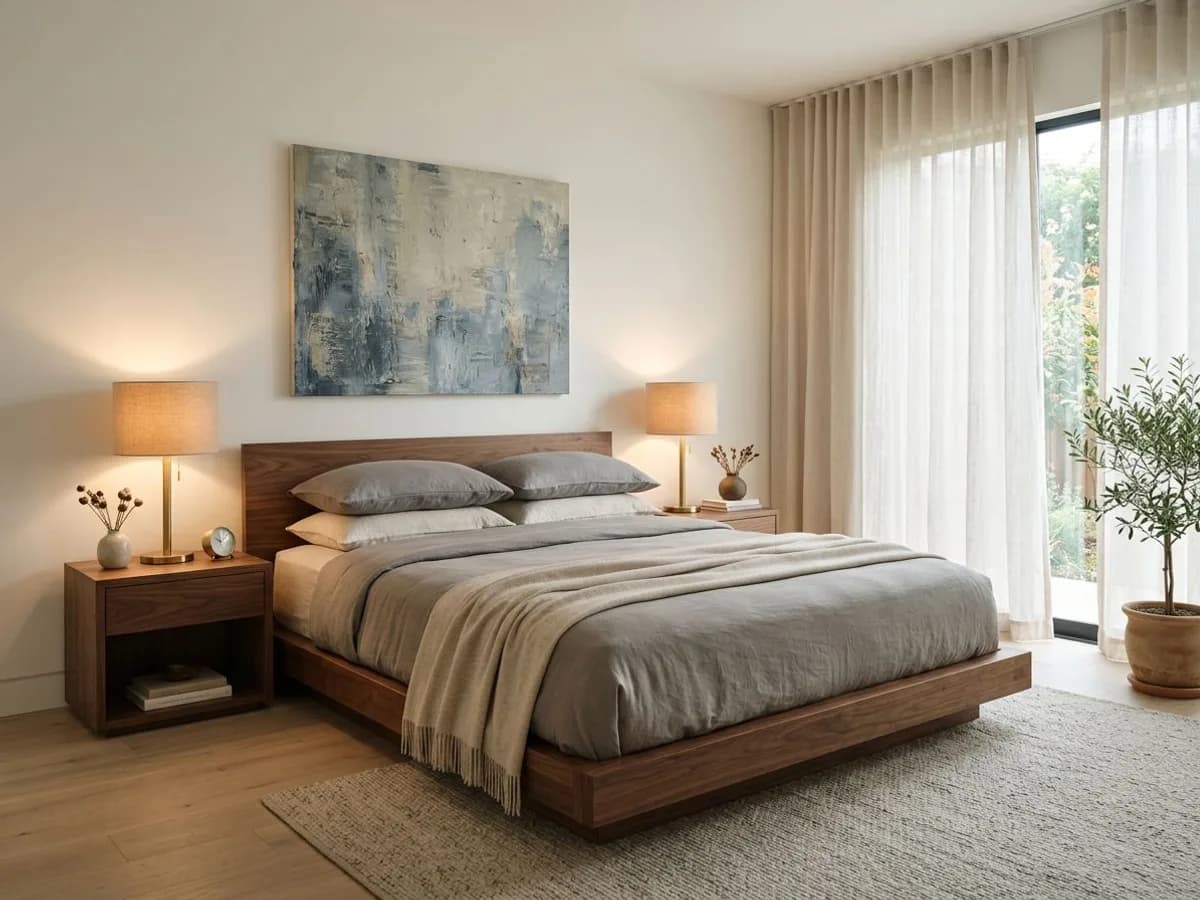
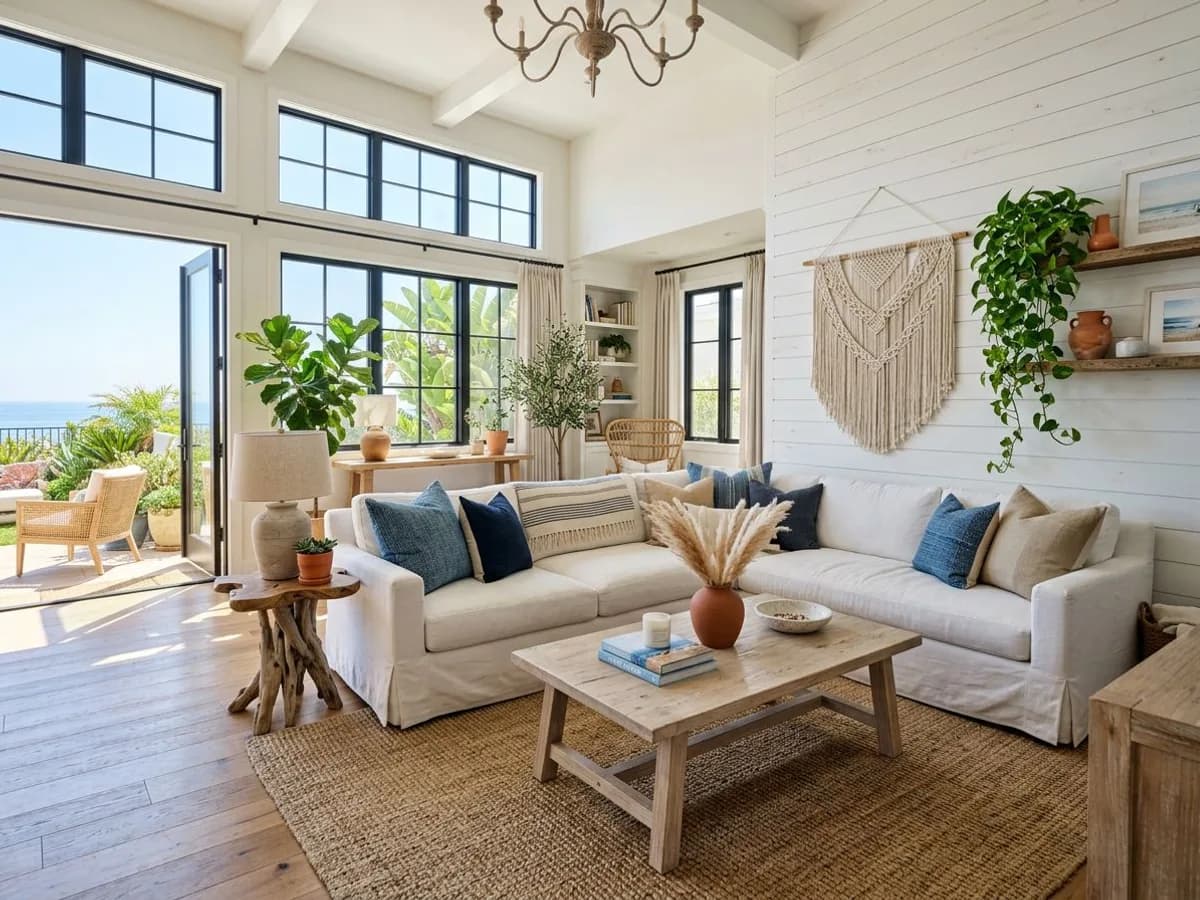
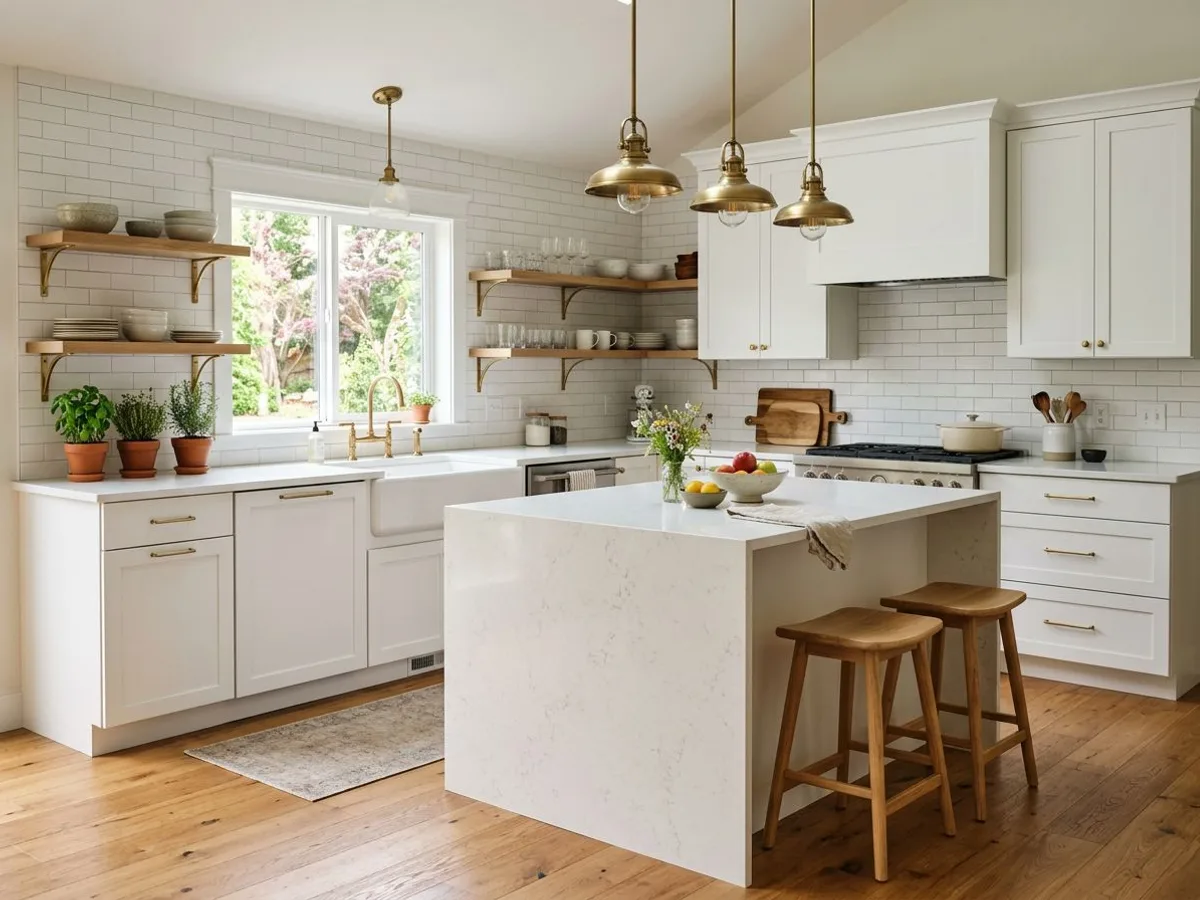
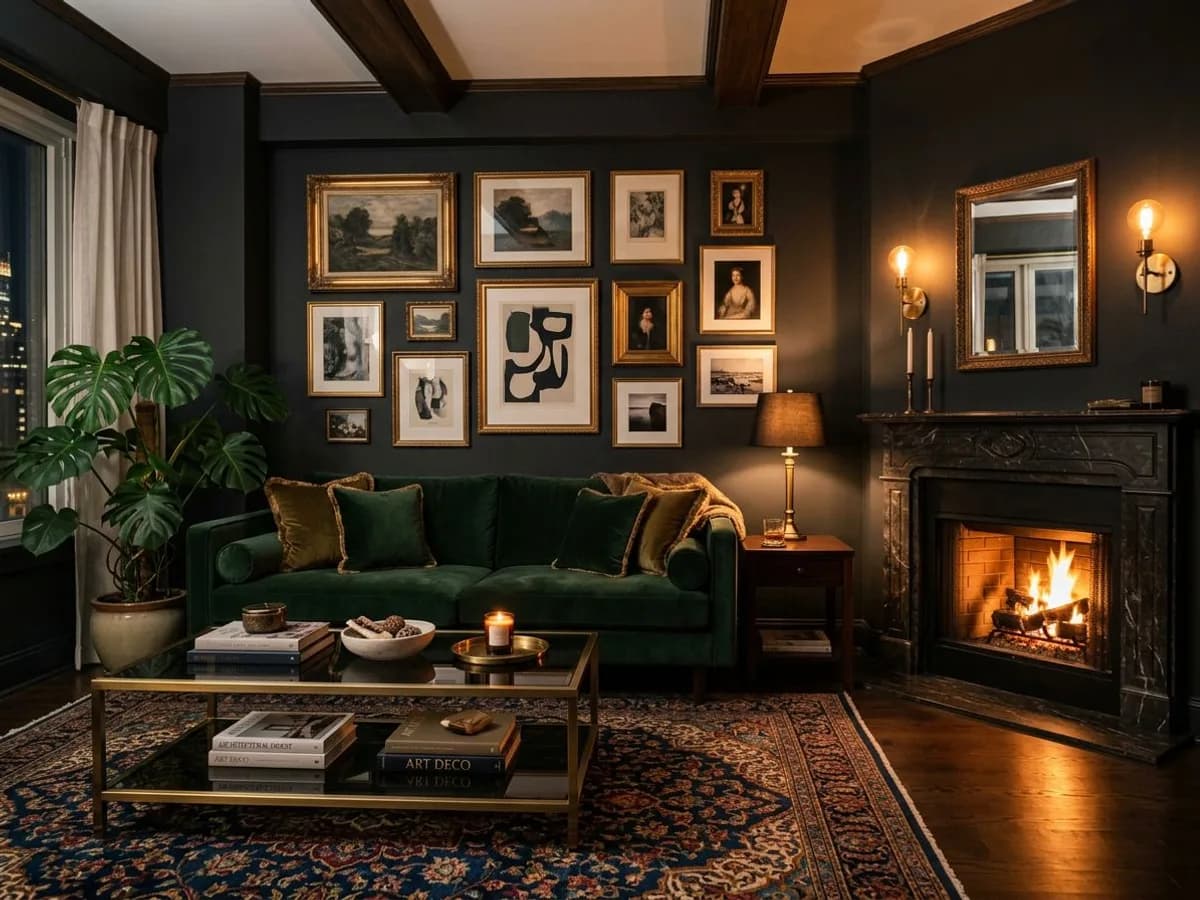
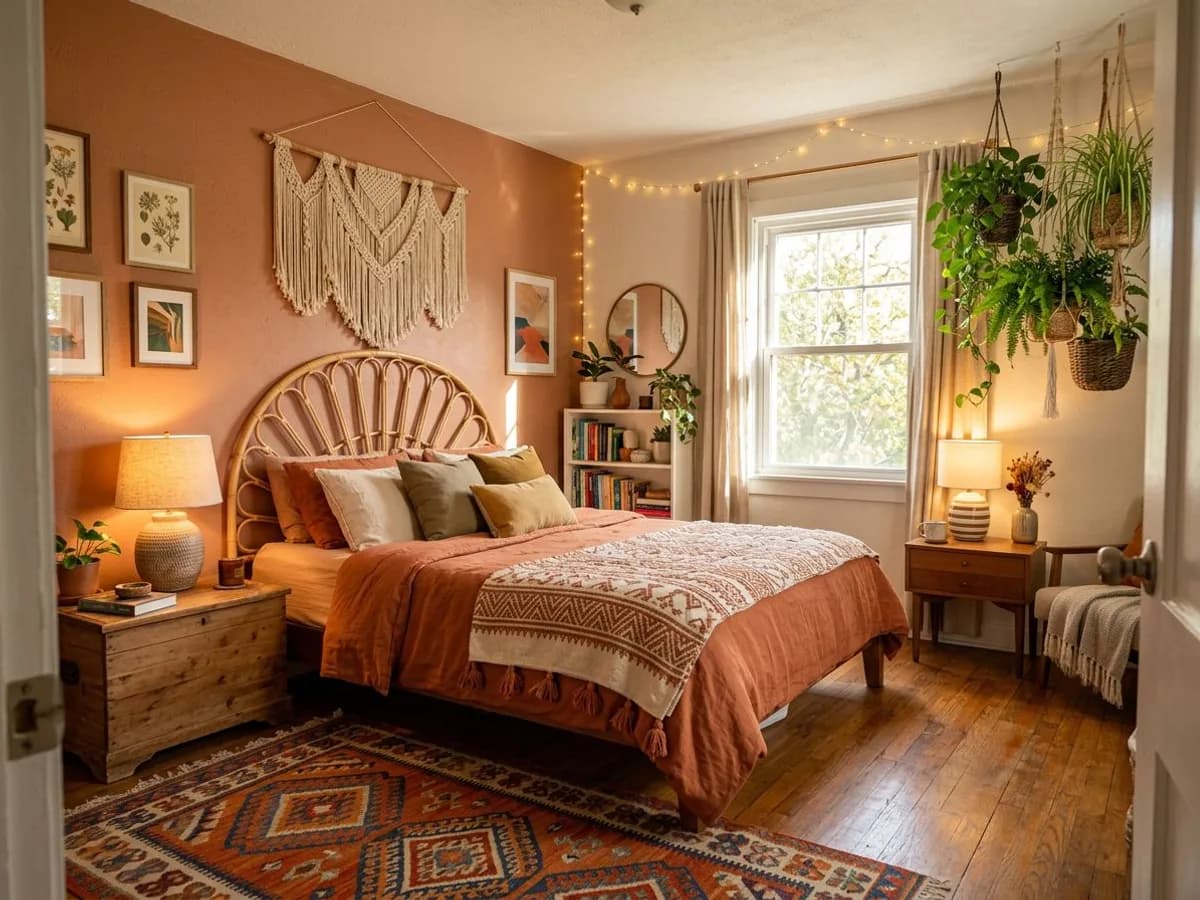
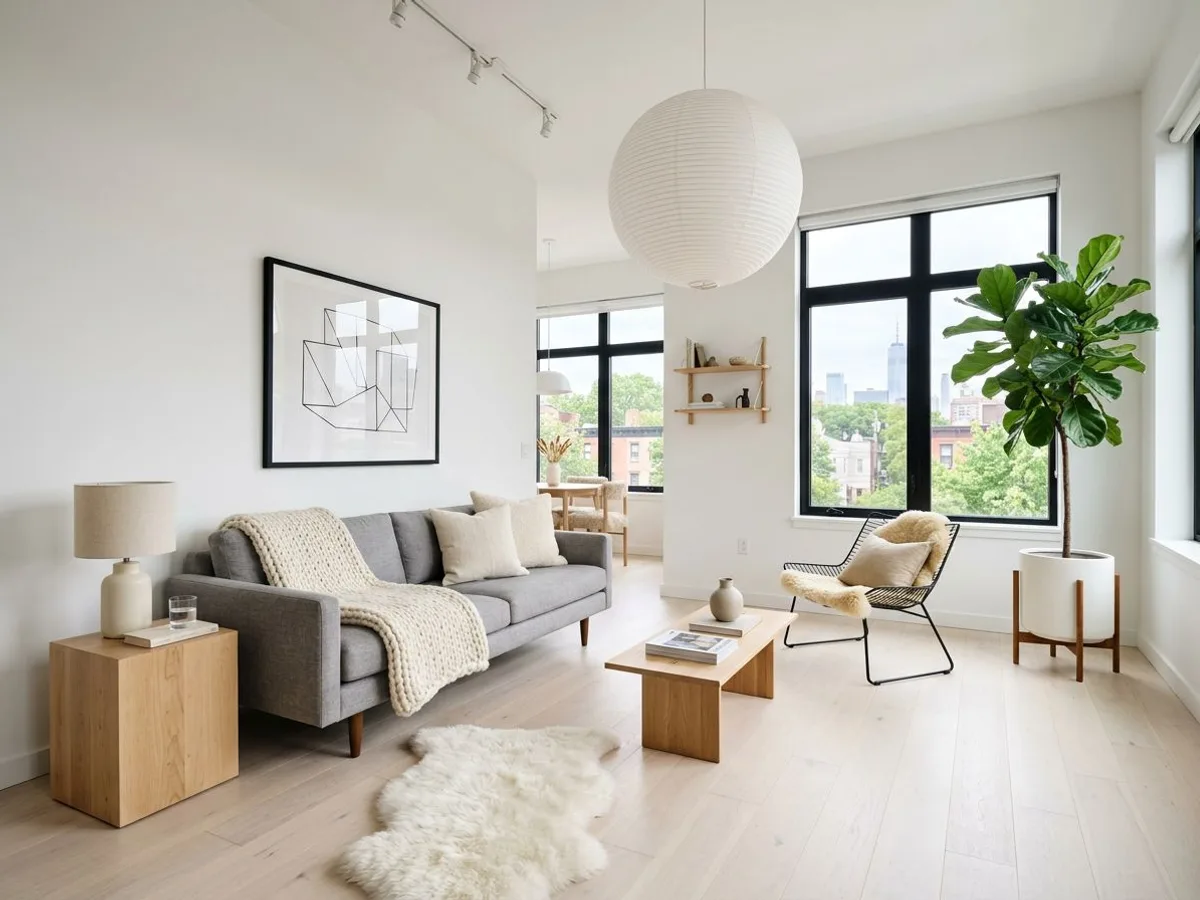
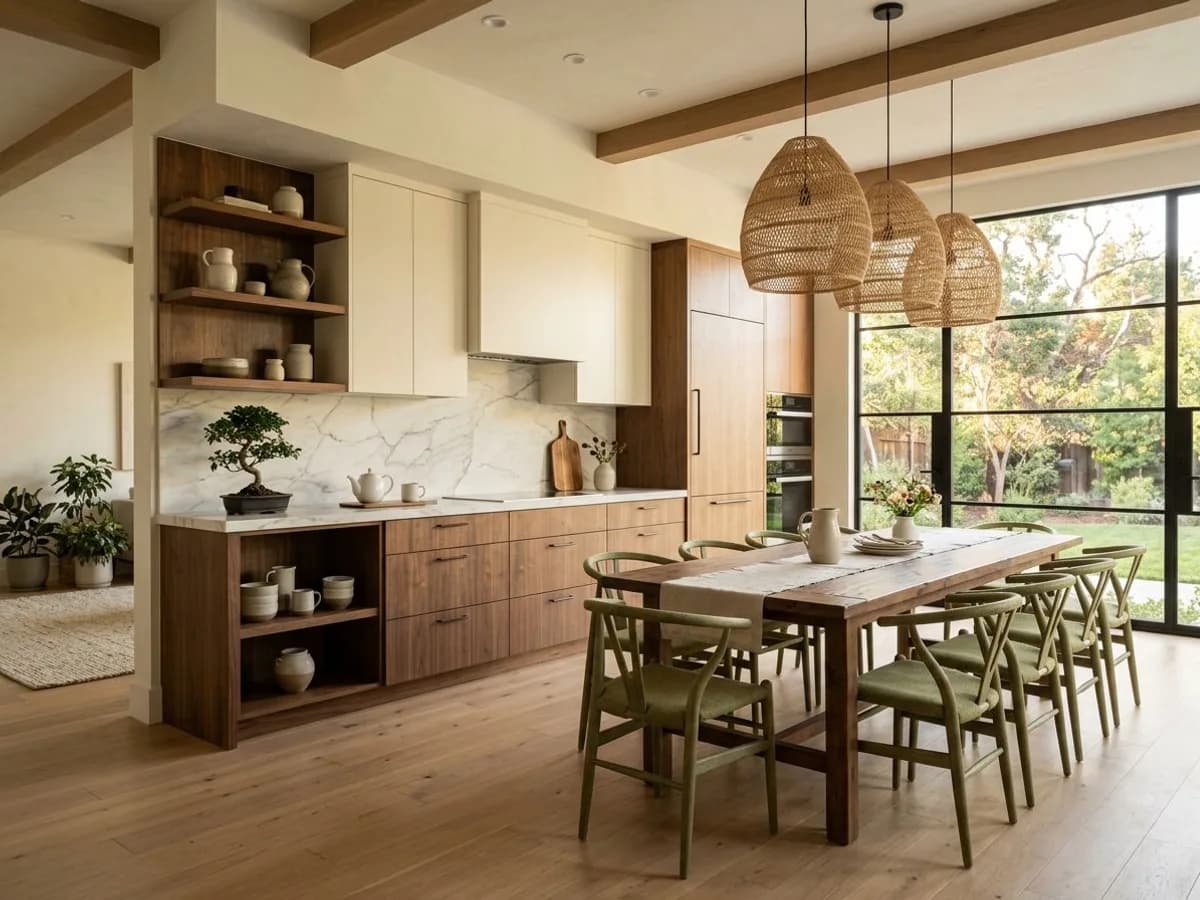
AI interior design for your own room.
Upload one photo and see that exact room redesigned in about 30 seconds. Same walls, same windows, same light - new furniture, colors and finishes in any of 75+ styles. Free to try, no signup.
Free to try, no signup. No photo handy? Try a sample room · See how it works
25,000+ rooms transformed · Free to start, no signup
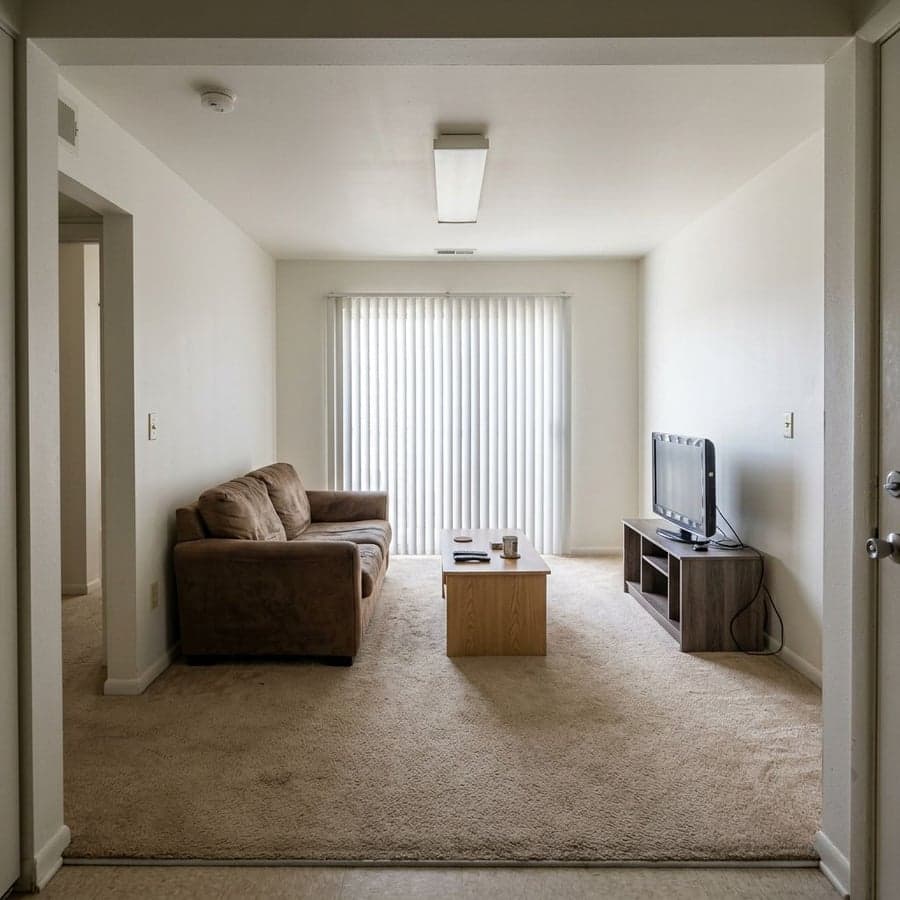 Before
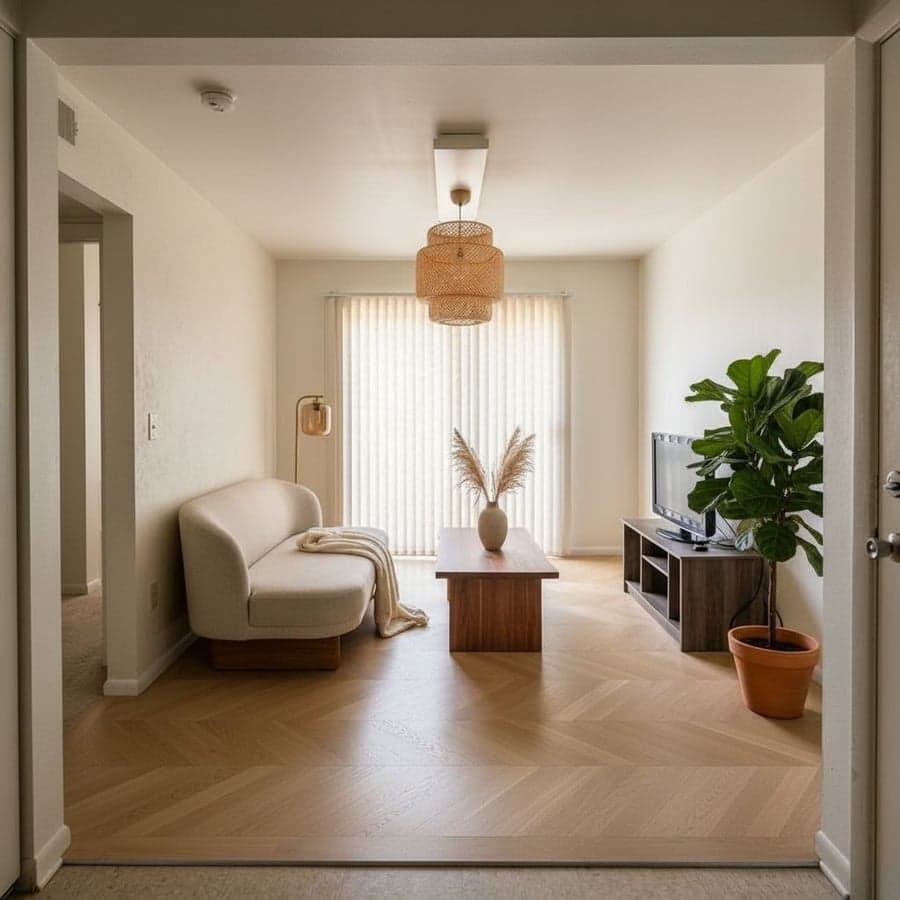 After · Warm Japandi
AI room design in three steps. About a minute.
Take a photo, pick a style, get your redesign. No account, no credit card and nothing to install.

Take a photo of your room
Any phone photo works, and so does a listing photo. The AI reads the walls, windows, floor and light by itself - nothing to measure or mark up.
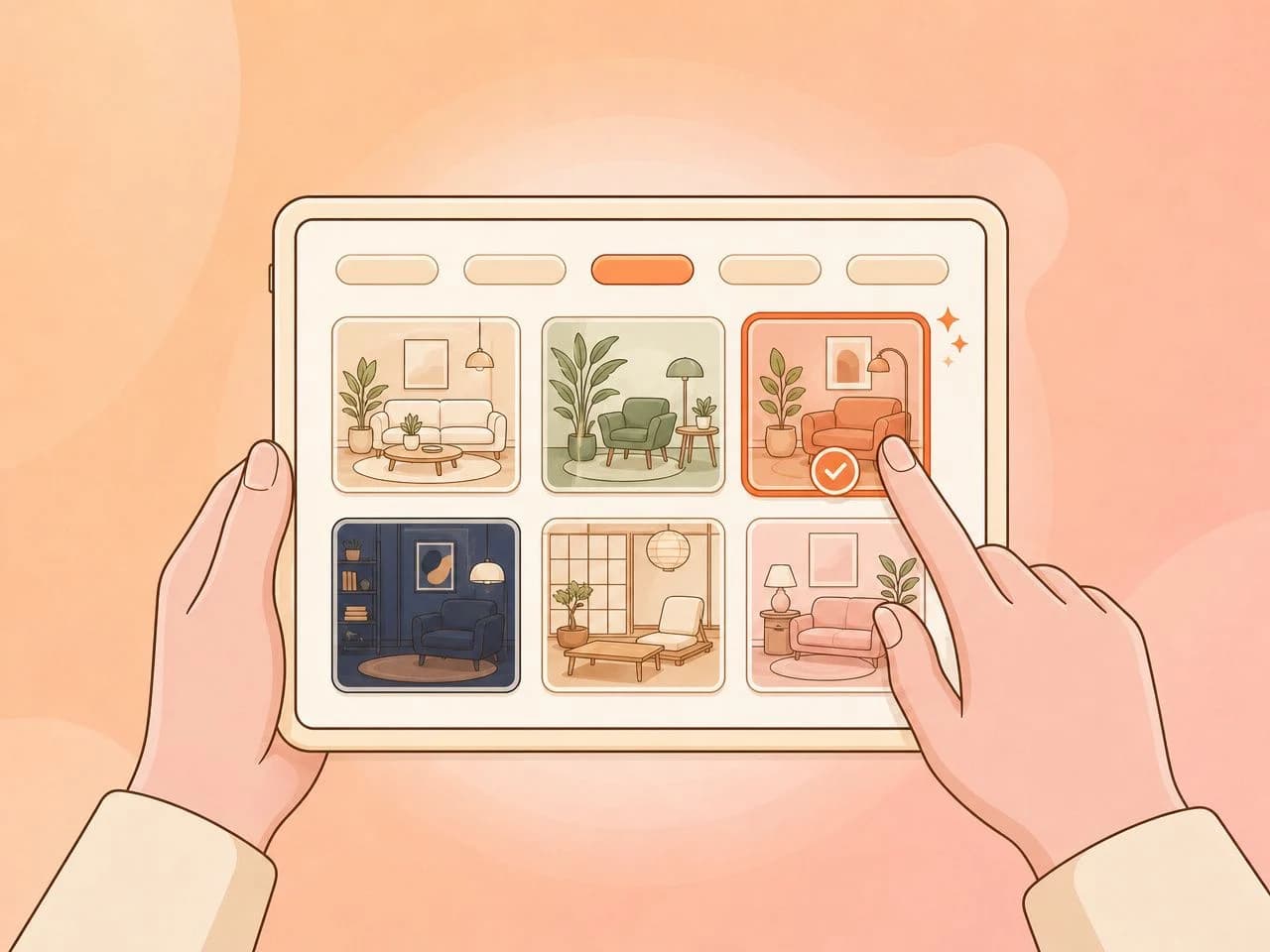
Pick a style, or describe your own
Choose from 75+ curated styles, say what you want in plain words, or build your own style from a palette and materials.
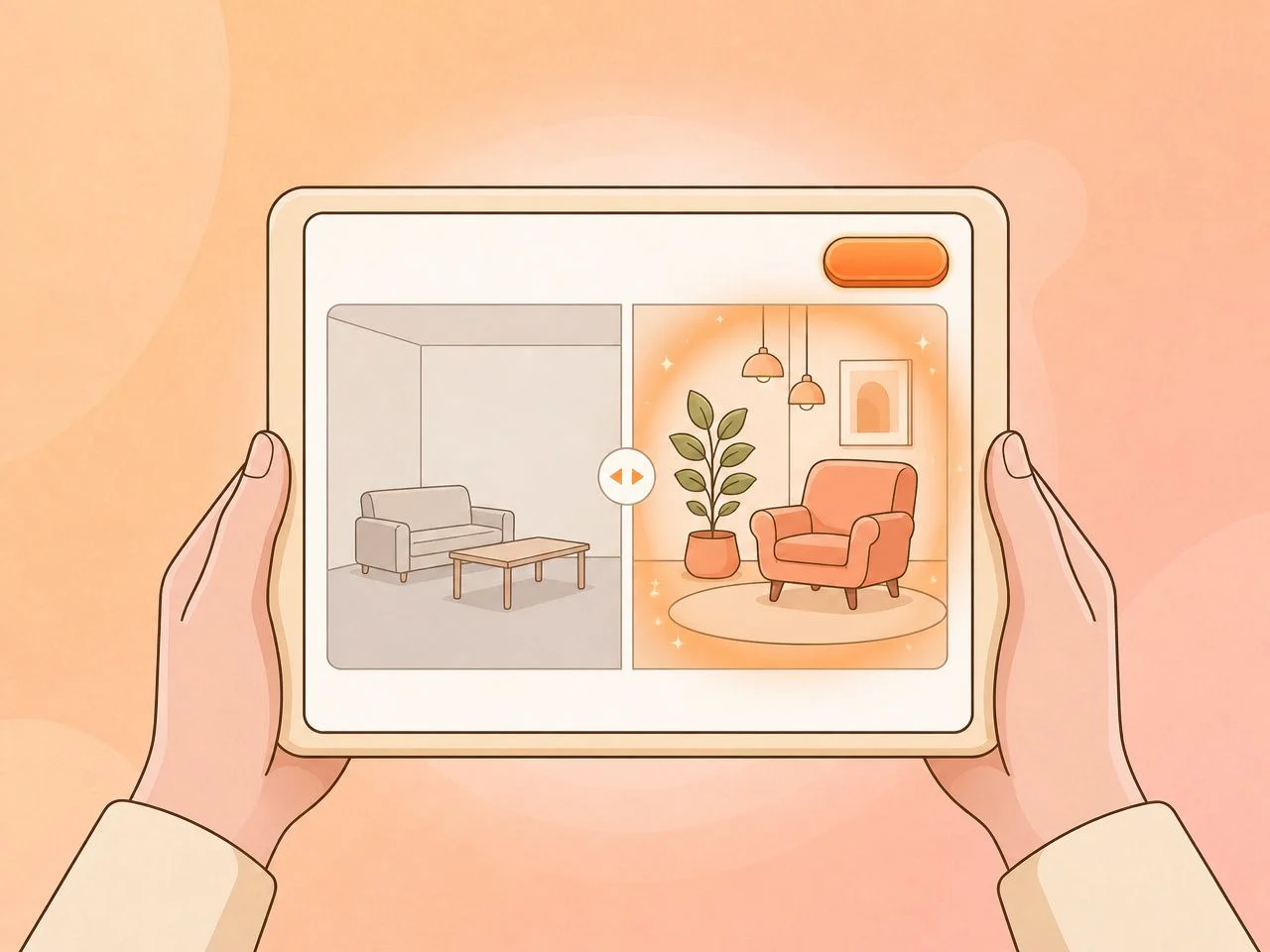
See your room redesigned
A photorealistic redesign of your own room comes back in about 30 seconds. Change details, save it, or shop the furniture in it.
Want the long version? How the free AI room designer works
Before and after: real rooms, redesigned by AI.
Each pair is one uploaded photo and the design that came back from it. No staging, no manual editing, no Photoshop.
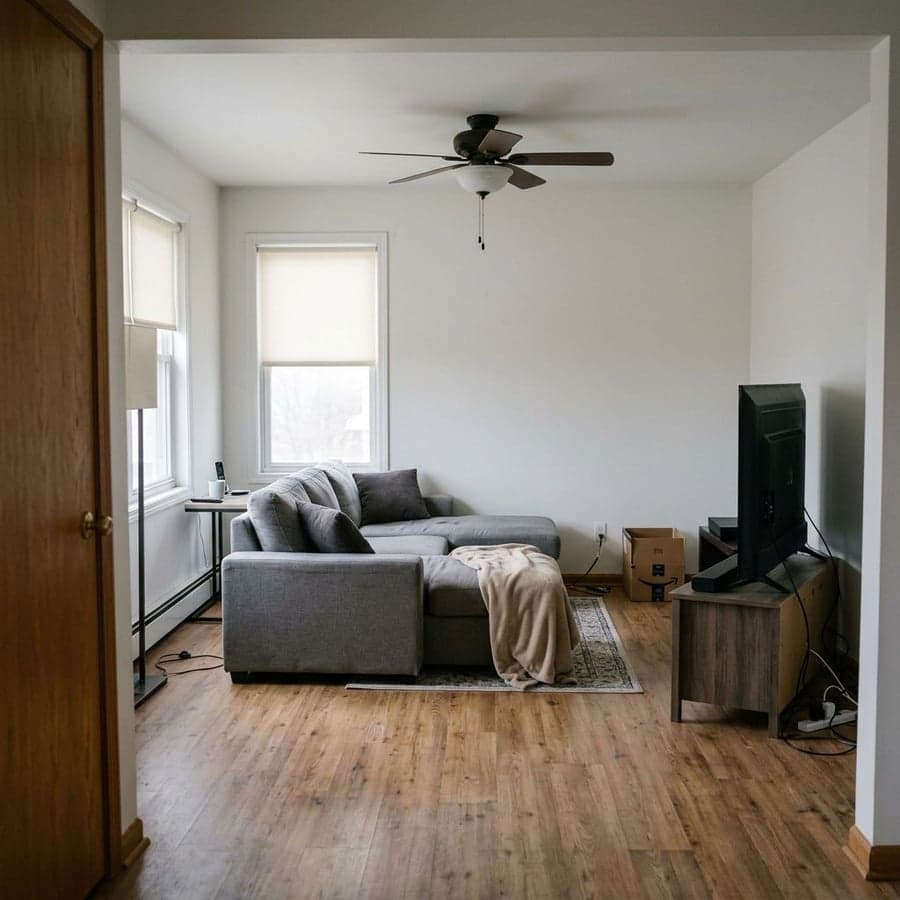 📷 Before
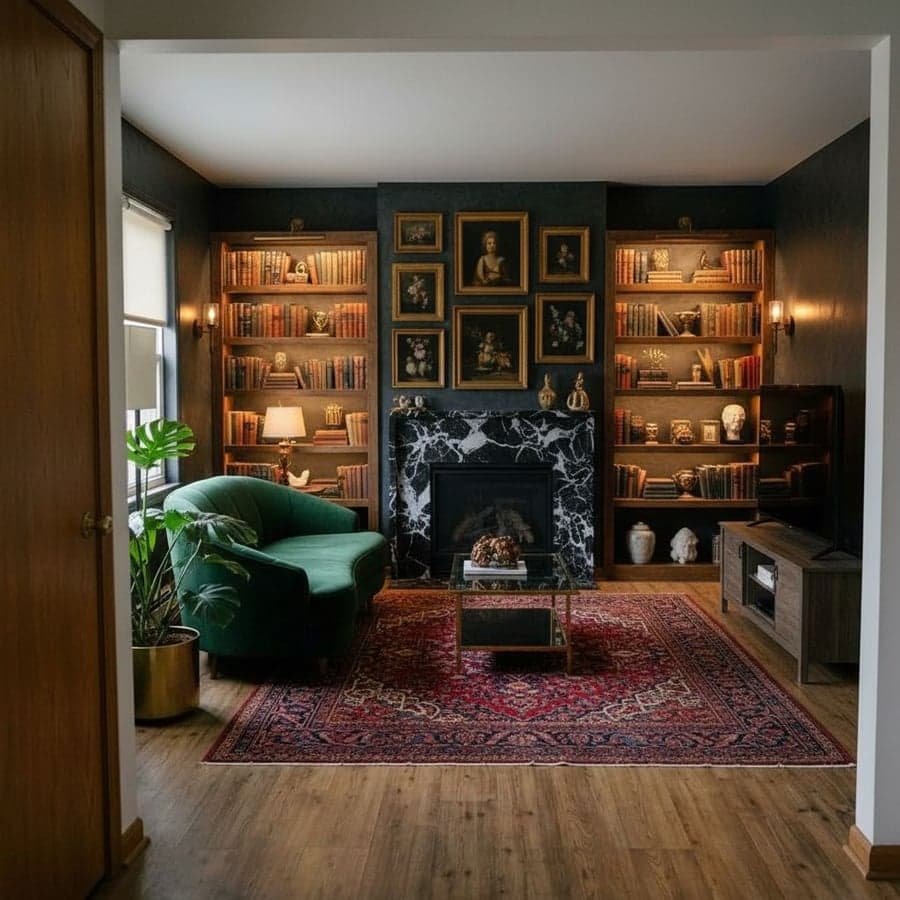 ✨ After
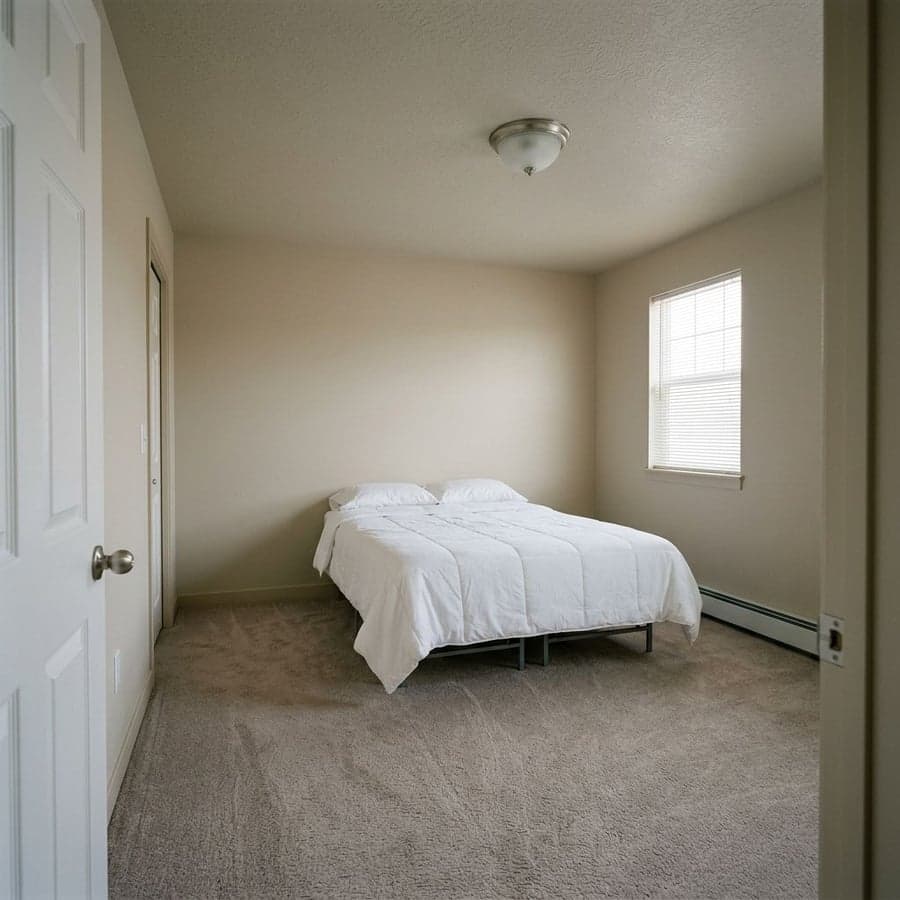 📷 Before
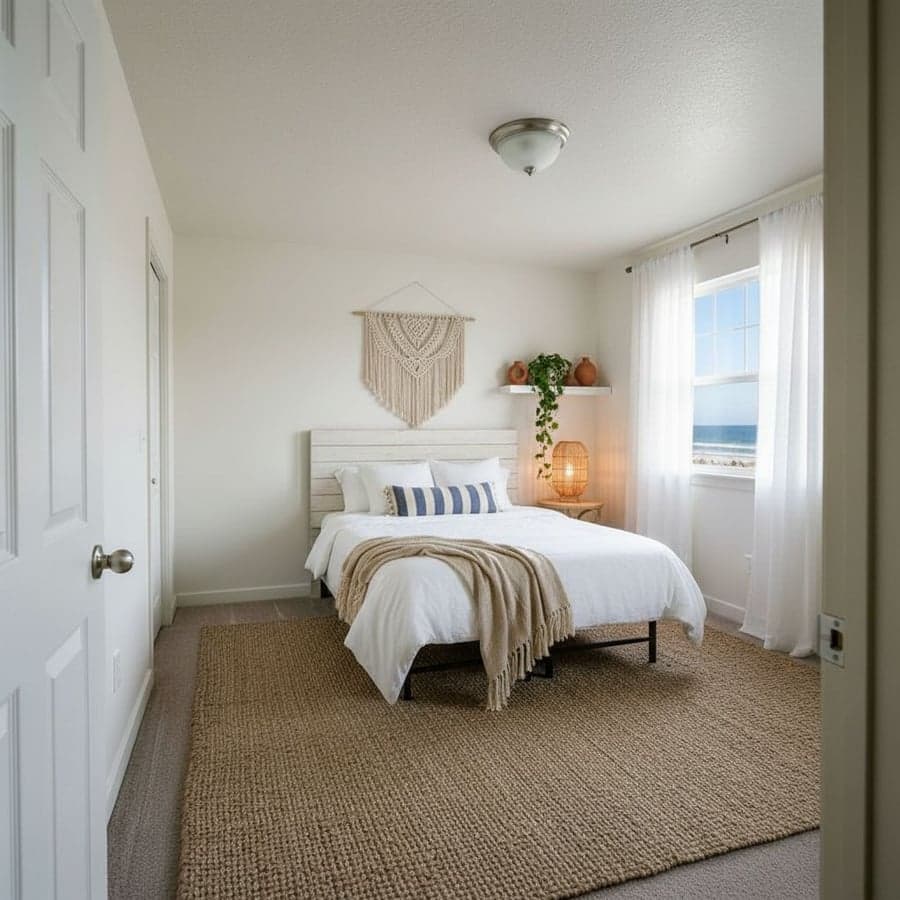 ✨ After
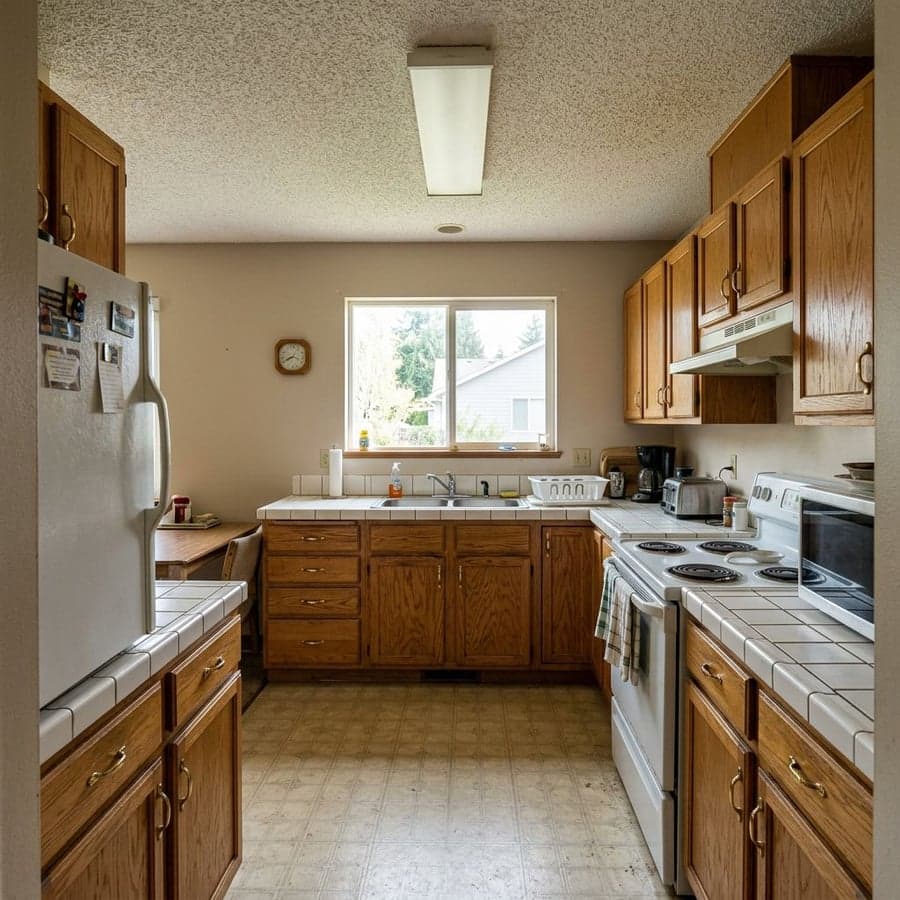 📷 Before
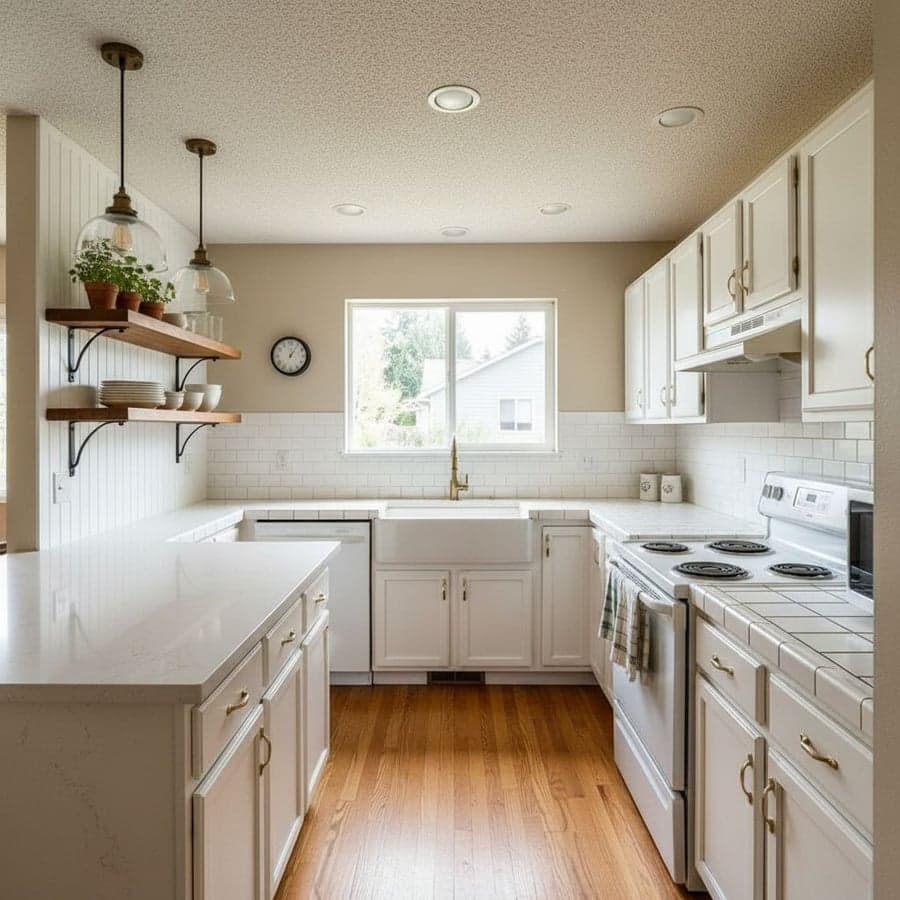 ✨ After
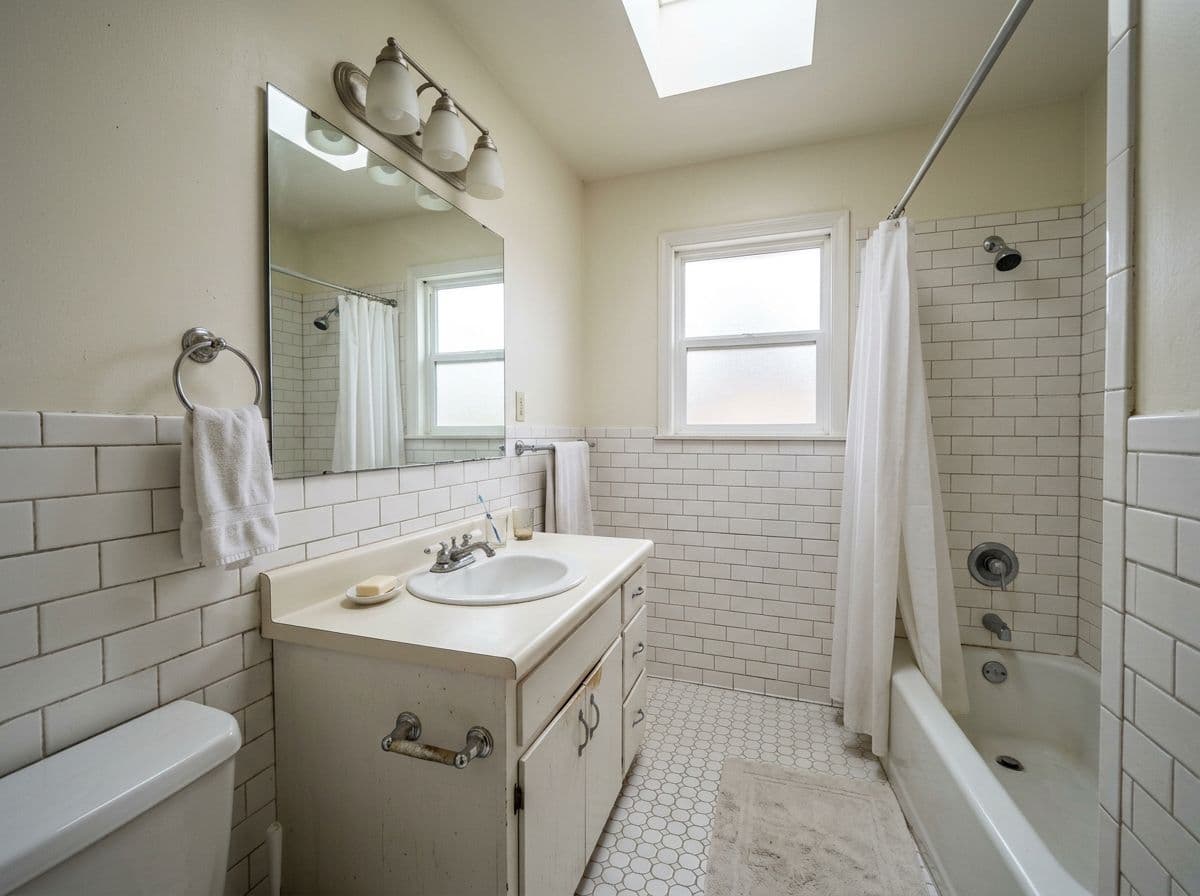 📷 Before
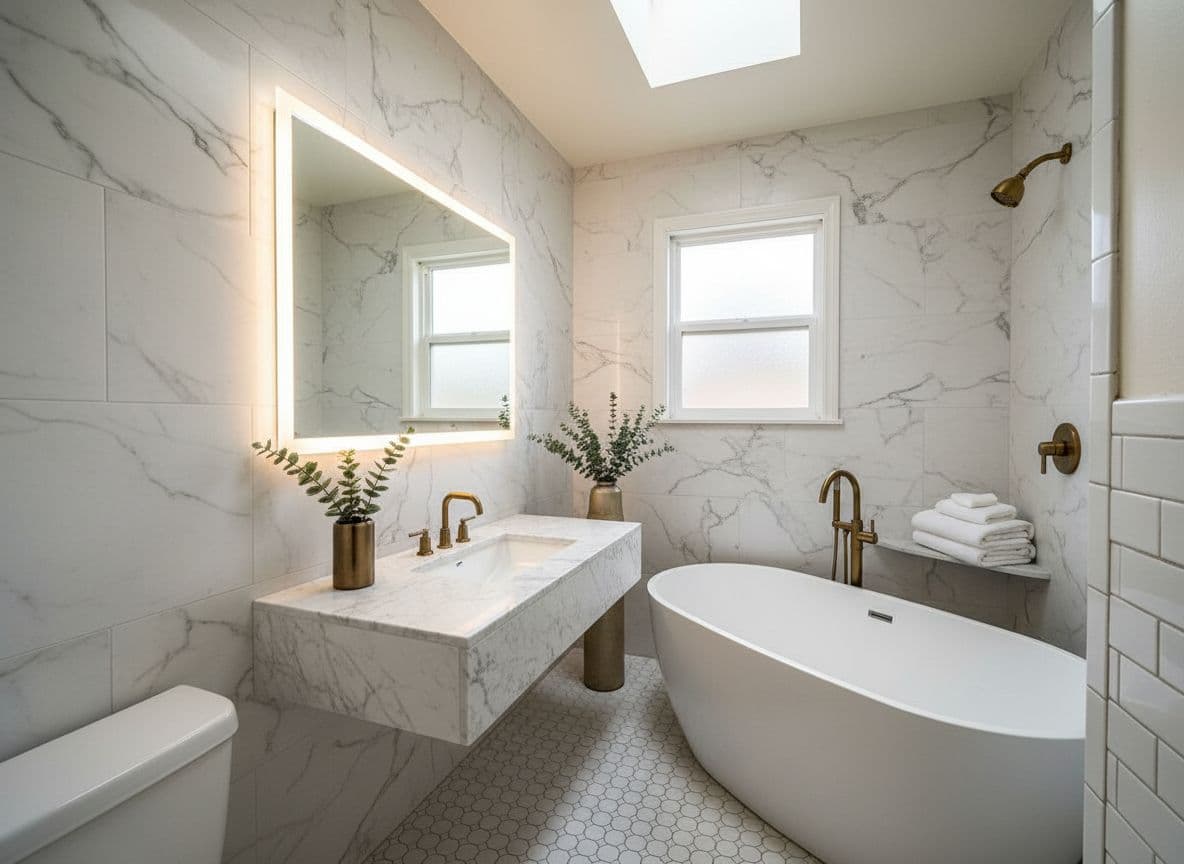 ✨ After
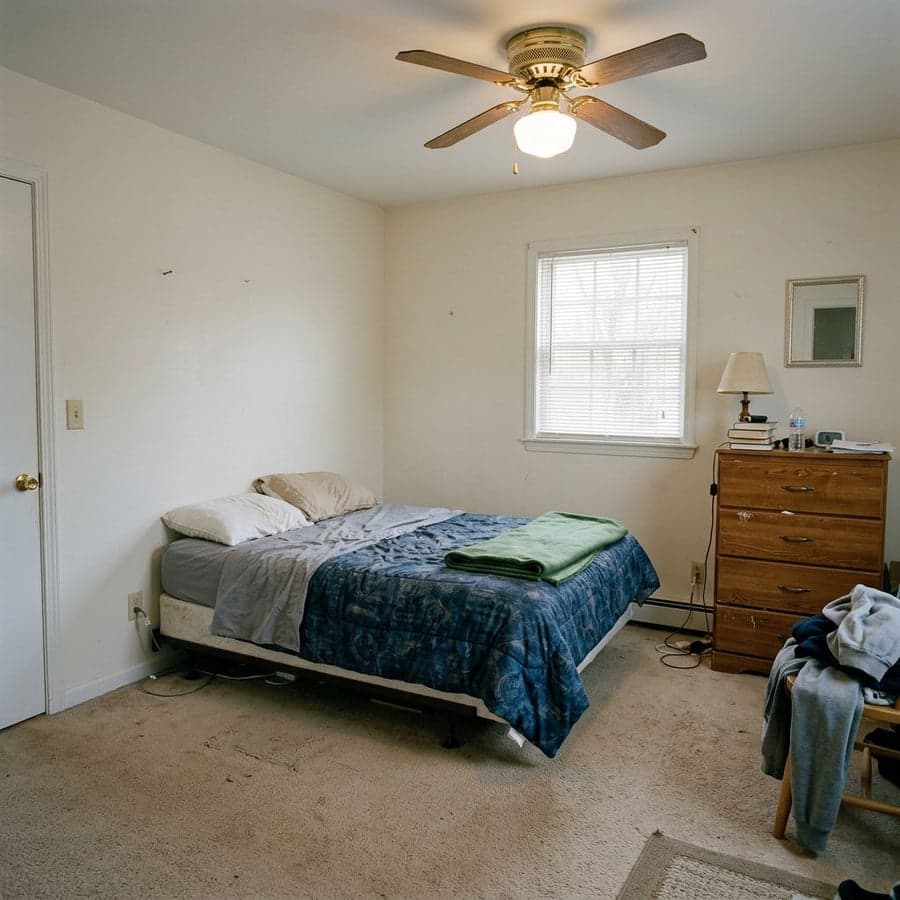 📷 Before
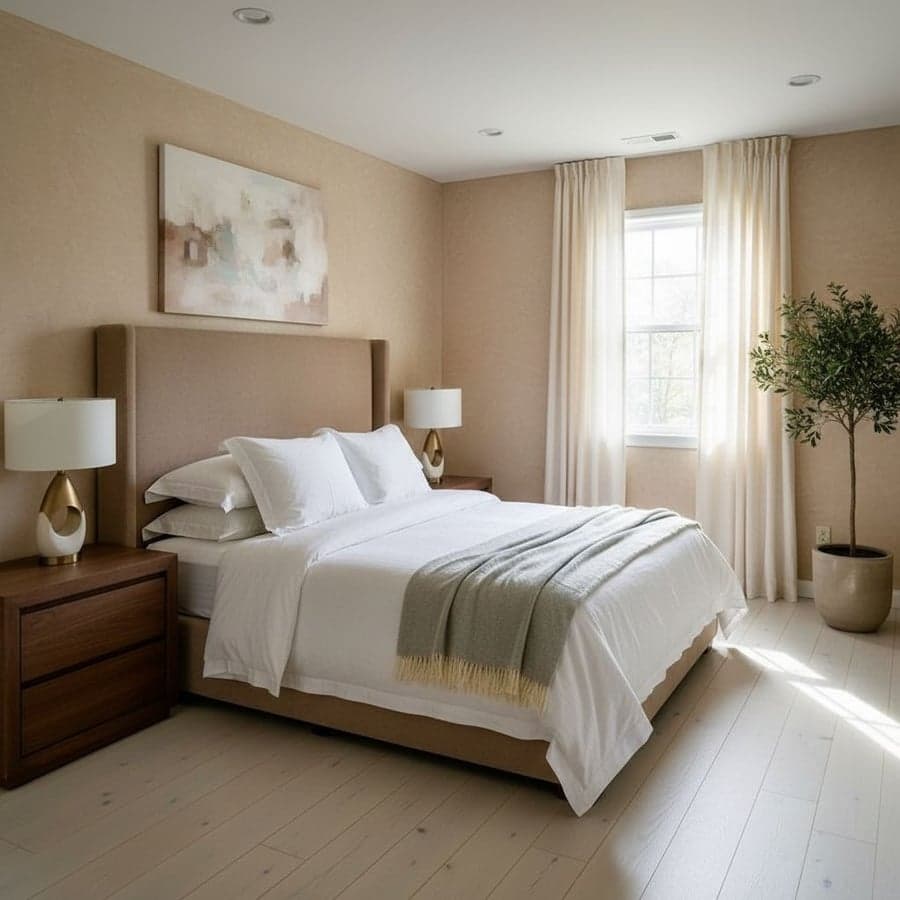 ✨ After
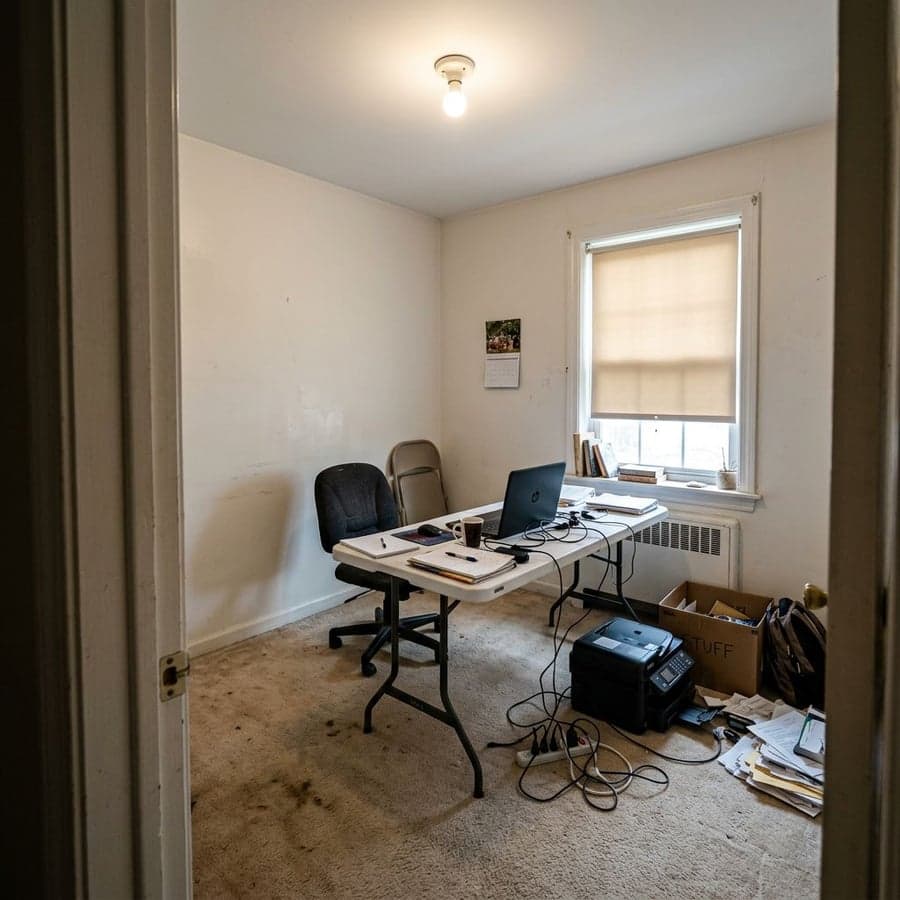 📷 Before
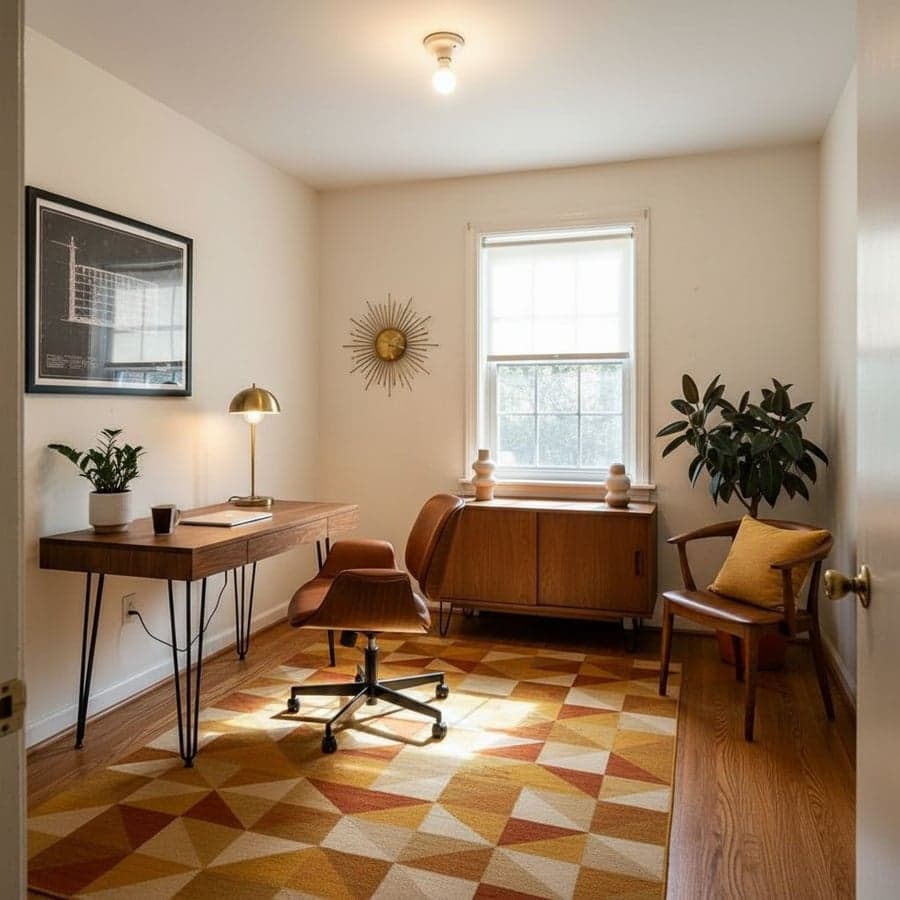 ✨ After
AI interior design for every room in the house.
The same app works on a 90 sq ft galley kitchen and a 400 sq ft primary bedroom. Pick a room to see the styles, tips and AI examples for that kind of space.
AI Living Room Design
See your own living room with a sectional or with a sofa and two chairs, in different rug sizes, paint colors and 75+ styles.
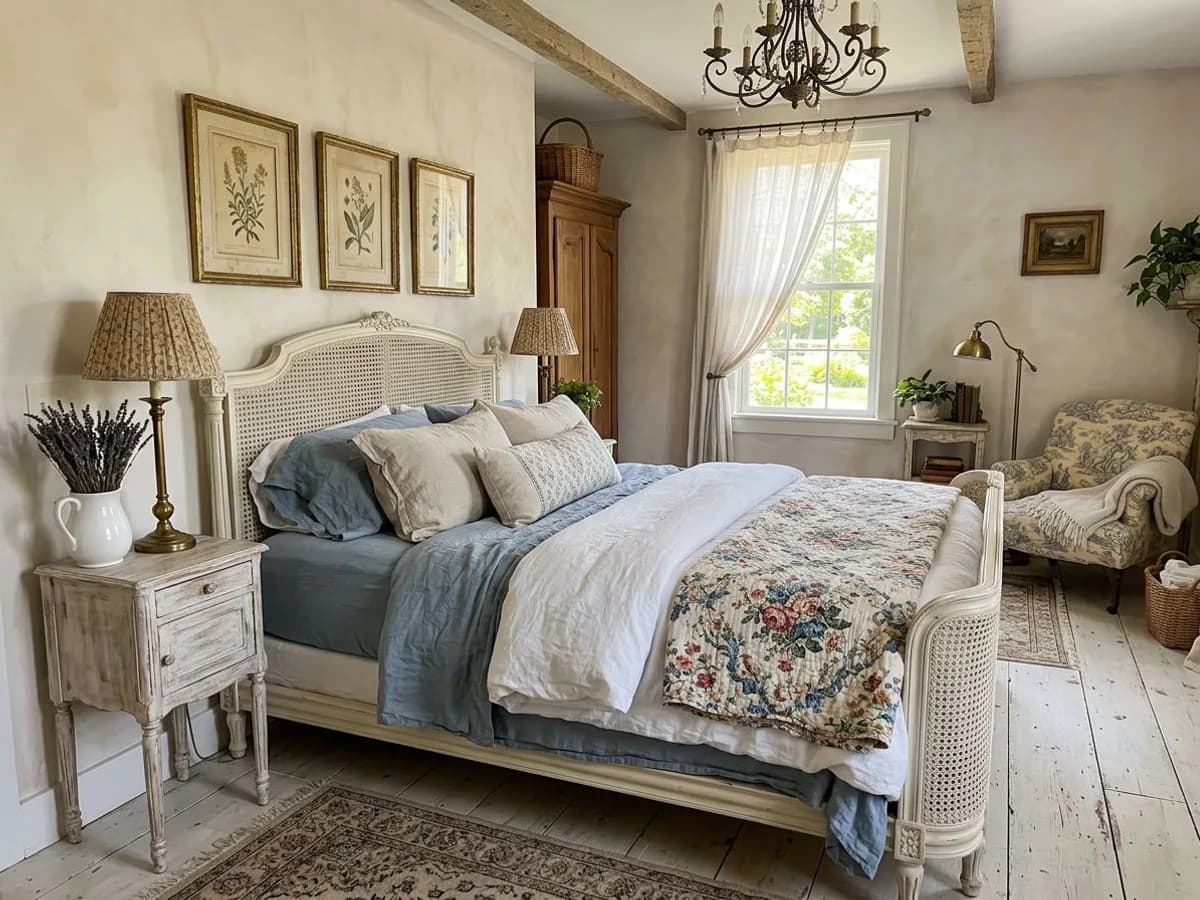
AI Bedroom Design
Find the right bed wall, palette and lighting for any size of bedroom - from a studio corner to a primary suite.
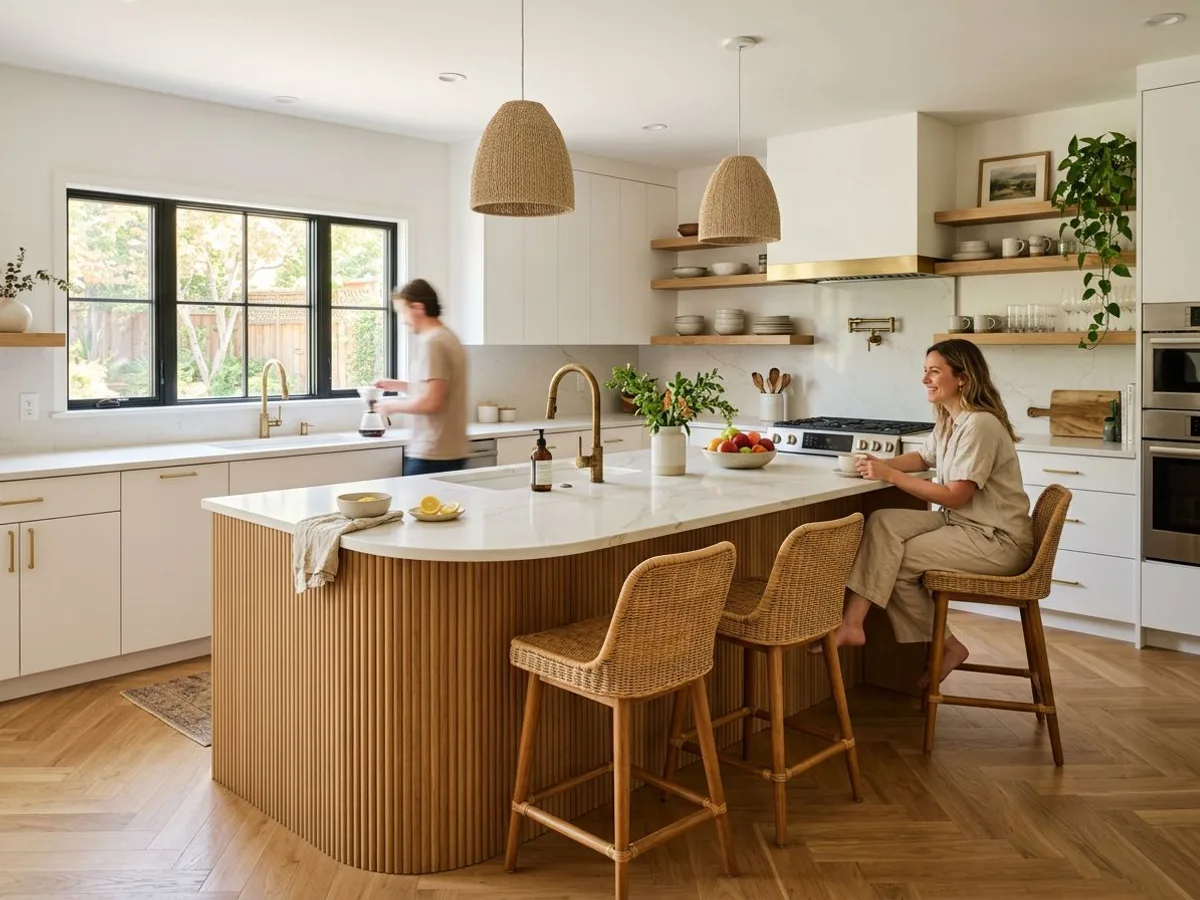
AI Kitchen Design
See cabinet color, backsplash, countertop and fixture changes on your own kitchen before committing to a real renovation.
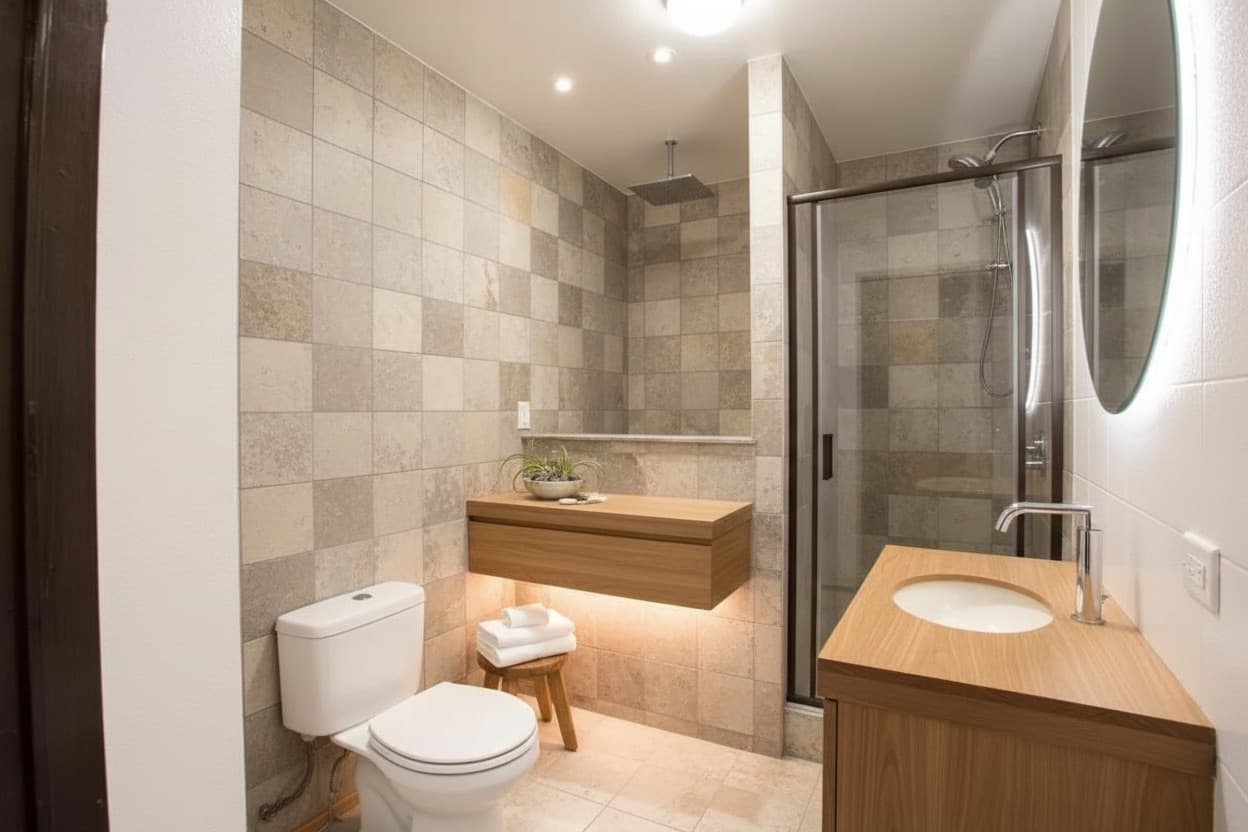
AI Bathroom Design
Preview tile, vanity, paint and lighting changes from a single phone photo of your bathroom.
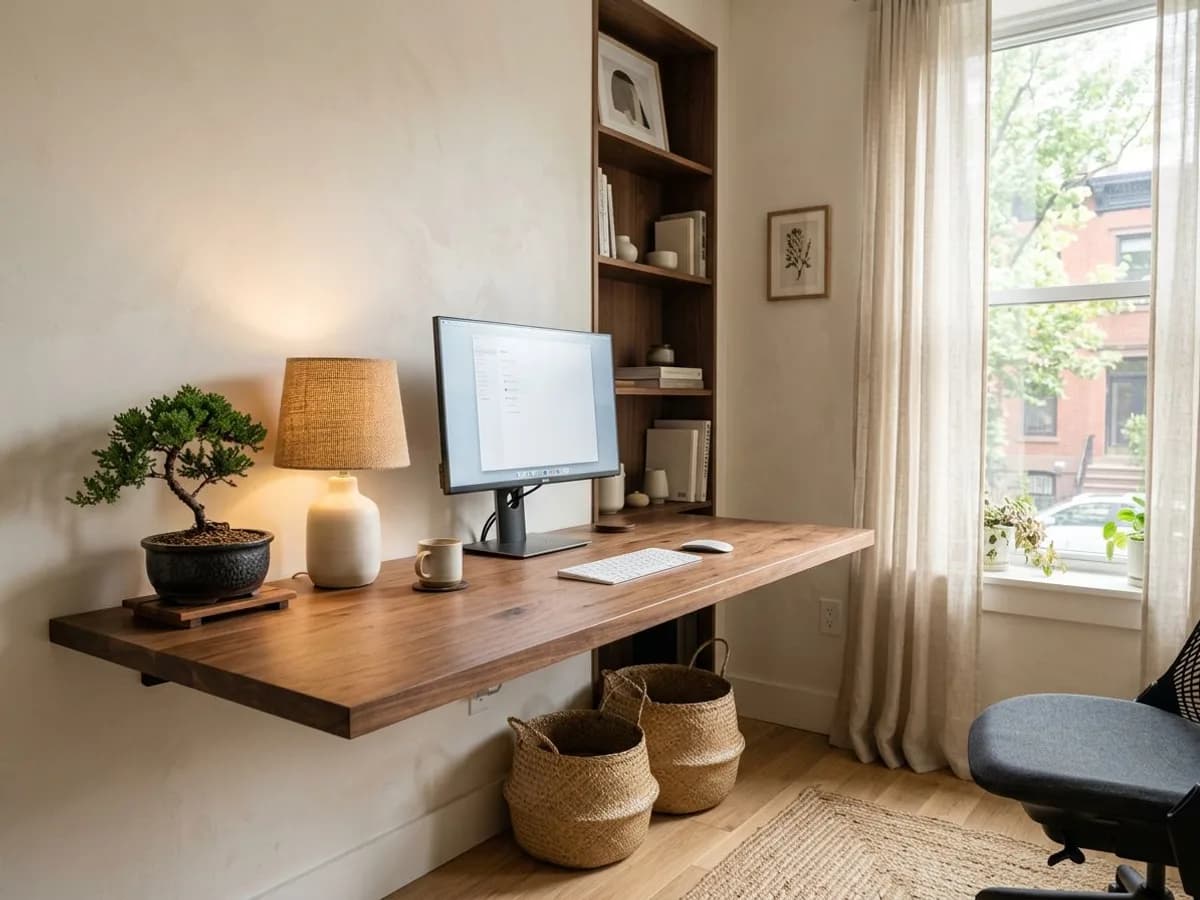
Home Office Ideas
Plan a home office you can actually work in. Part of our room-by-room AI home design guide.
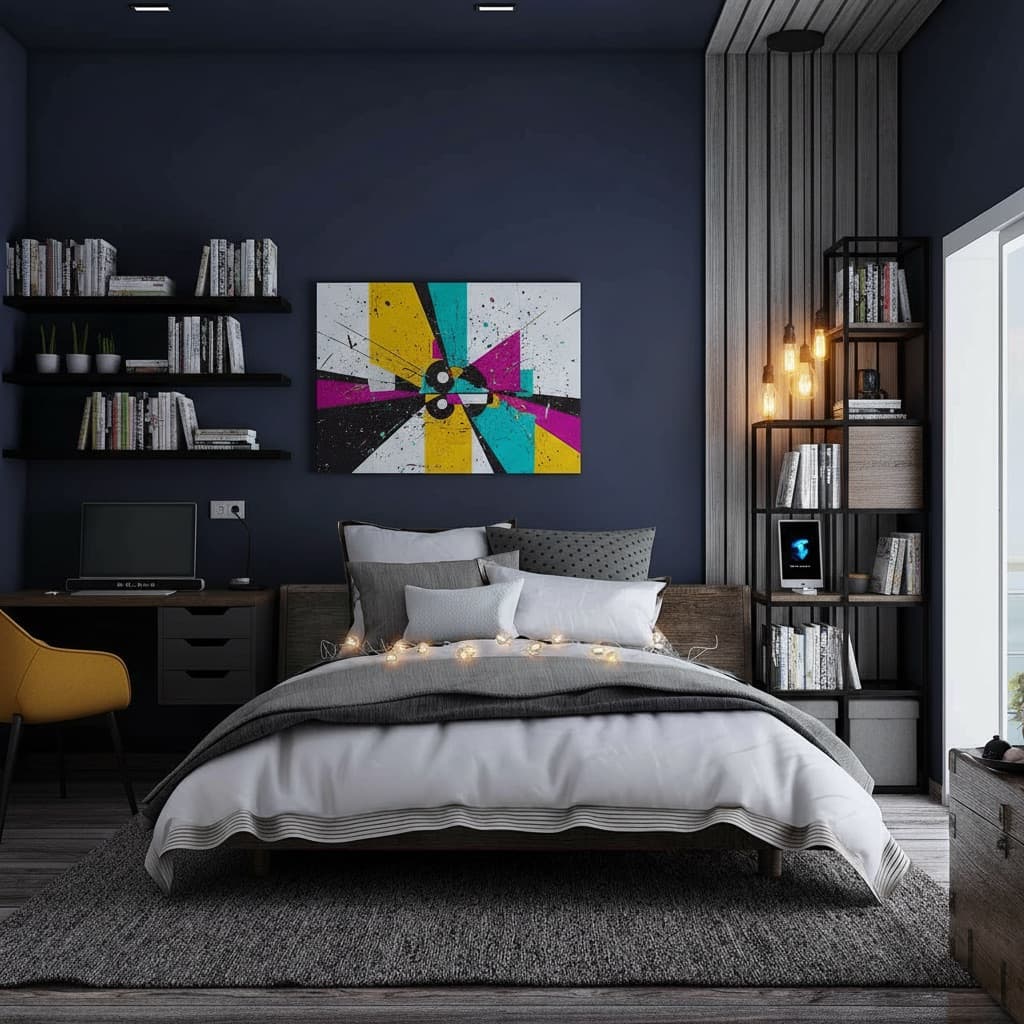
Studio Apartment
Make a small studio feel intentional, with zones for sleeping, eating and working in one open space.
Restyle the whole room, or change one thing.
Start with a style to find your direction, then use the edit tools to fix the details. Most people do both.
The total transformation
Pick from 75+ styles or describe your own, and the AI reimagines the whole space - walls, floors, furniture, materials - while keeping your room's real geometry. This is what your free design uses.
- Reimagines the entire space at once
- Boldest, most creative results
- Free to try, no signup
The precise refinement
Surgical, one change at a time - repaint just the walls, remove a single object, swap the lighting, add a specific piece, rearrange the layout. Everything else stays exactly as it was.
- Changes one thing, leaves the rest alone
- Detailed, true-to-life edits
- Included in the 30-day pass, $9.99 one-time
An AI interior designer that has seen your room.
The built-in chat looks at your actual photo and talks to you about it: what works, what doesn't, and what to change first. Ask it anything, then have it turn the conversation into a style you can apply straight away.
- Layout critique grounded in your photo
- Palette and material suggestions that fit your light
- Creates ready-to-render styles from the conversation
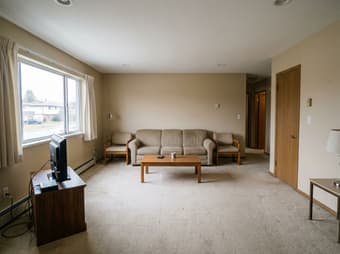 Your room
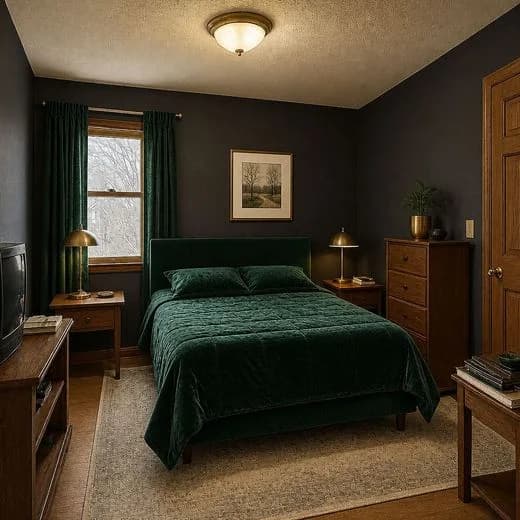
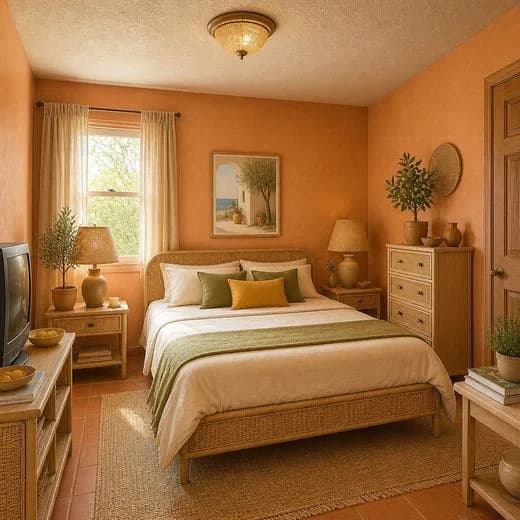
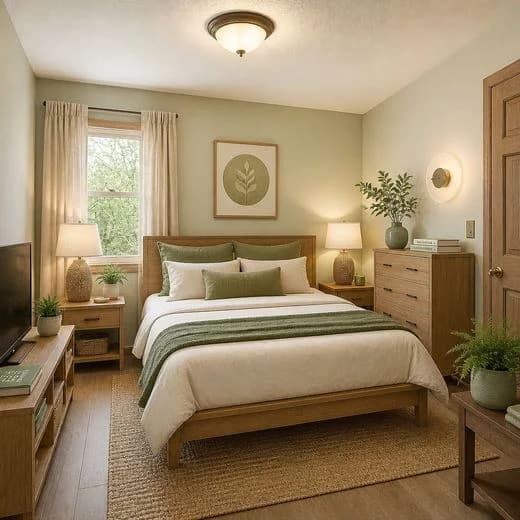
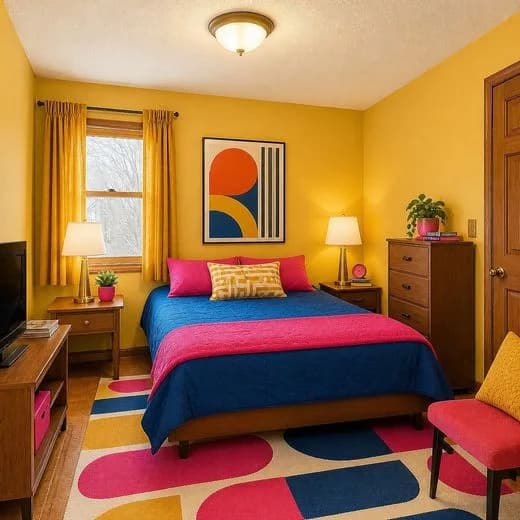
75+ interior design styles. Here are eleven, on one bedroom.
Every picture on this board came from the same photo. The window, the door and the shape of the room stay where they are. The style changes everything else.
- 📷 Original photo
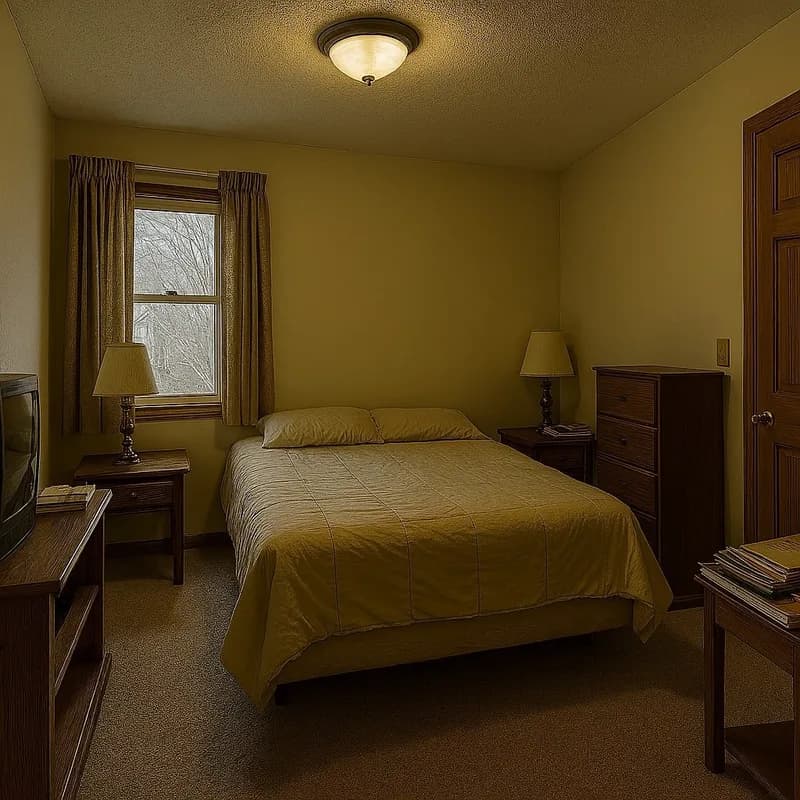
- Modern Studio
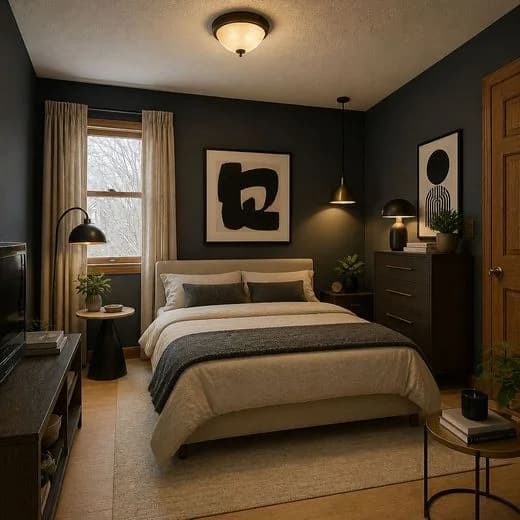
- Hygge Haven
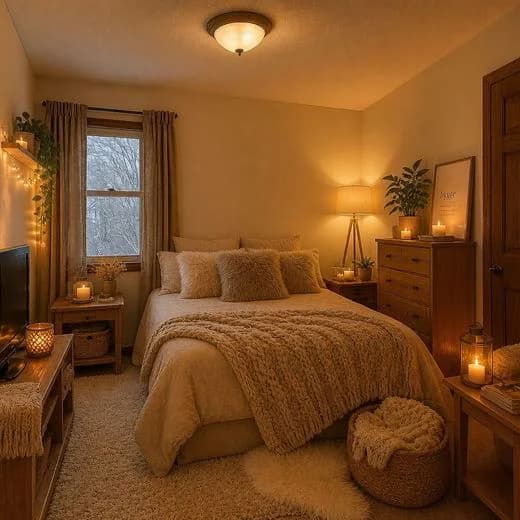
- Scandinavian
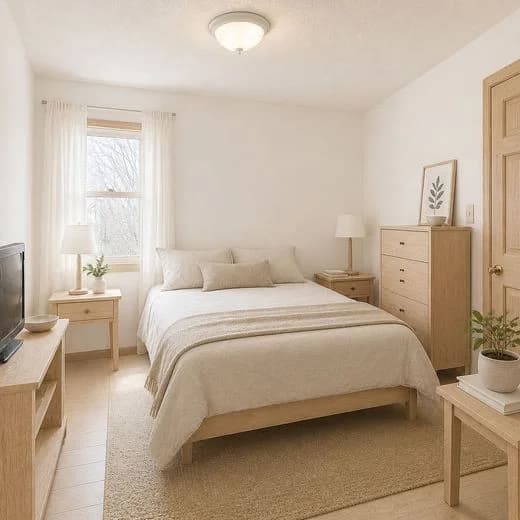
- Moody Library
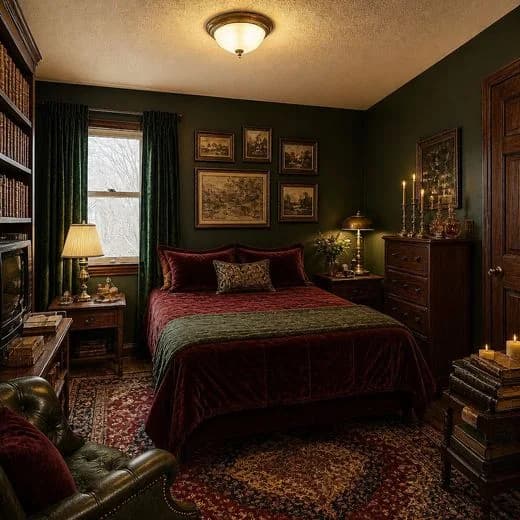
- Botanical Greenhouse
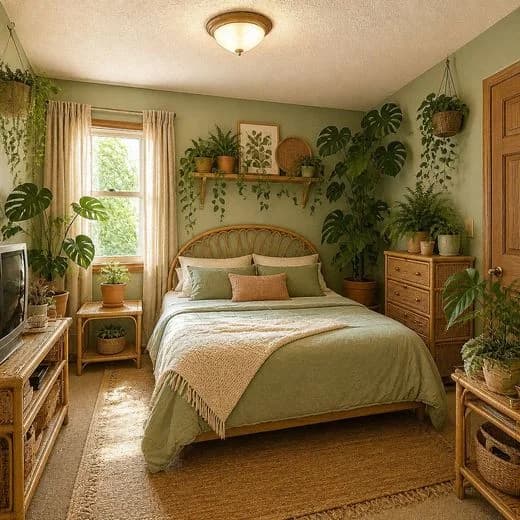
- Velvet Nightfall
- Sunwashed Terracotta
- Eco Luxe
- Electric Retro
- Techno Minimal
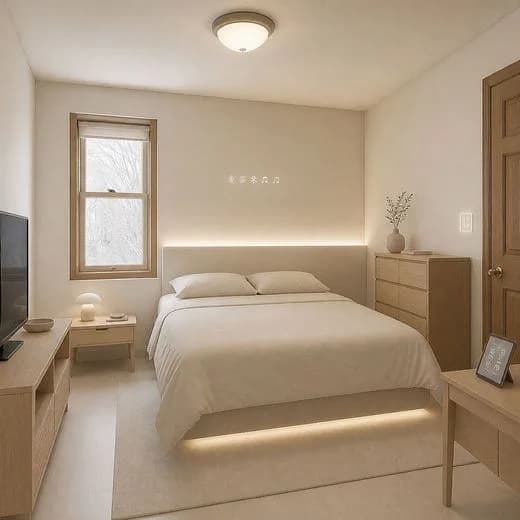
- Retro Future
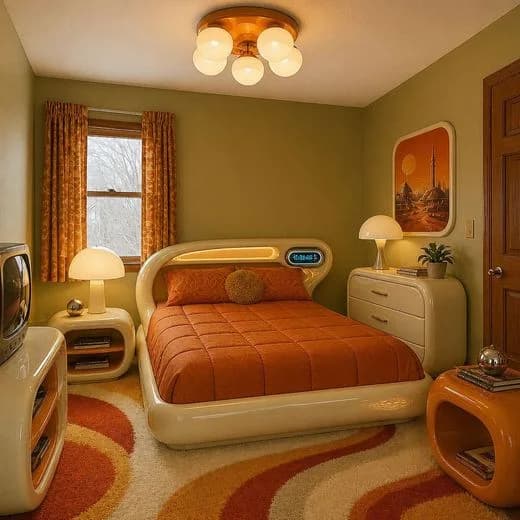
We made this board on 10 October 2026: one photo, one attempt per style, nothing retouched.
Not sure what your style is called? Take the style quiz, or browse all 75+ styles.
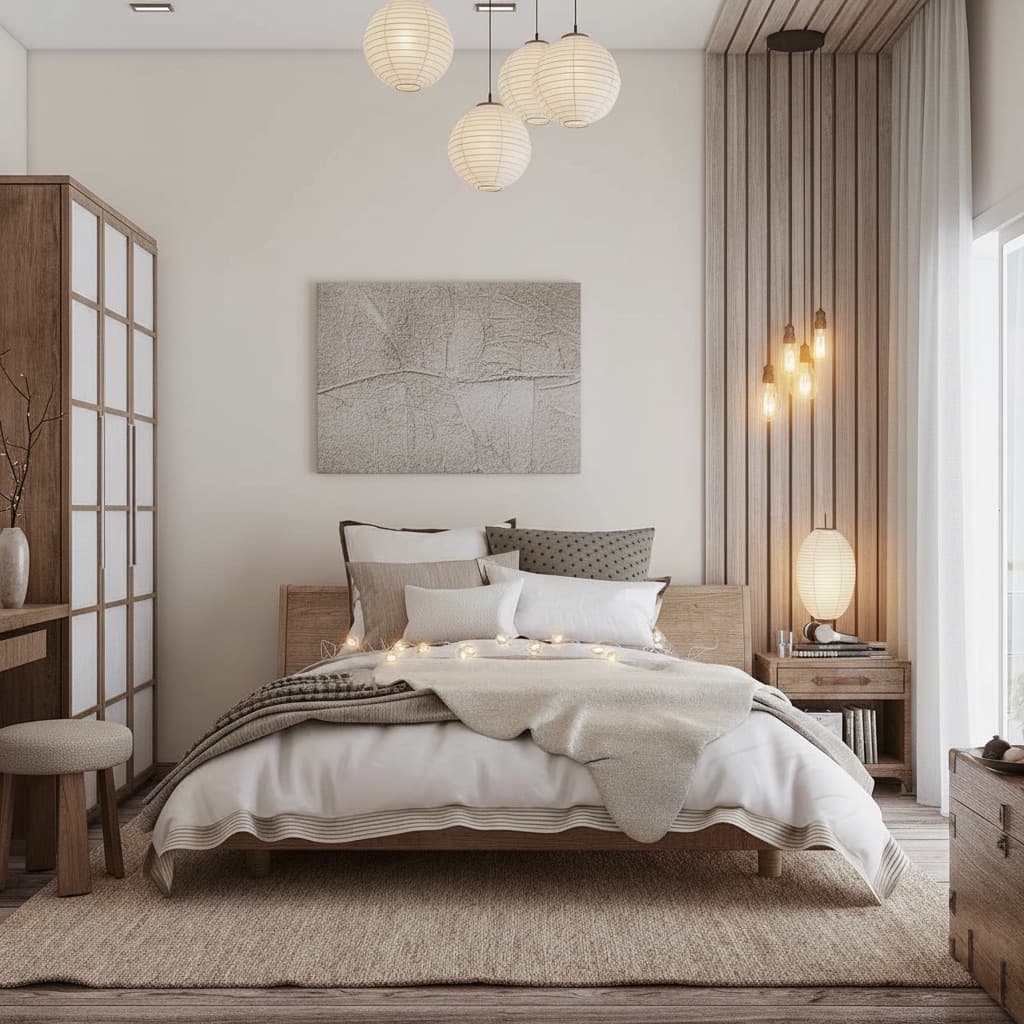 Japandi
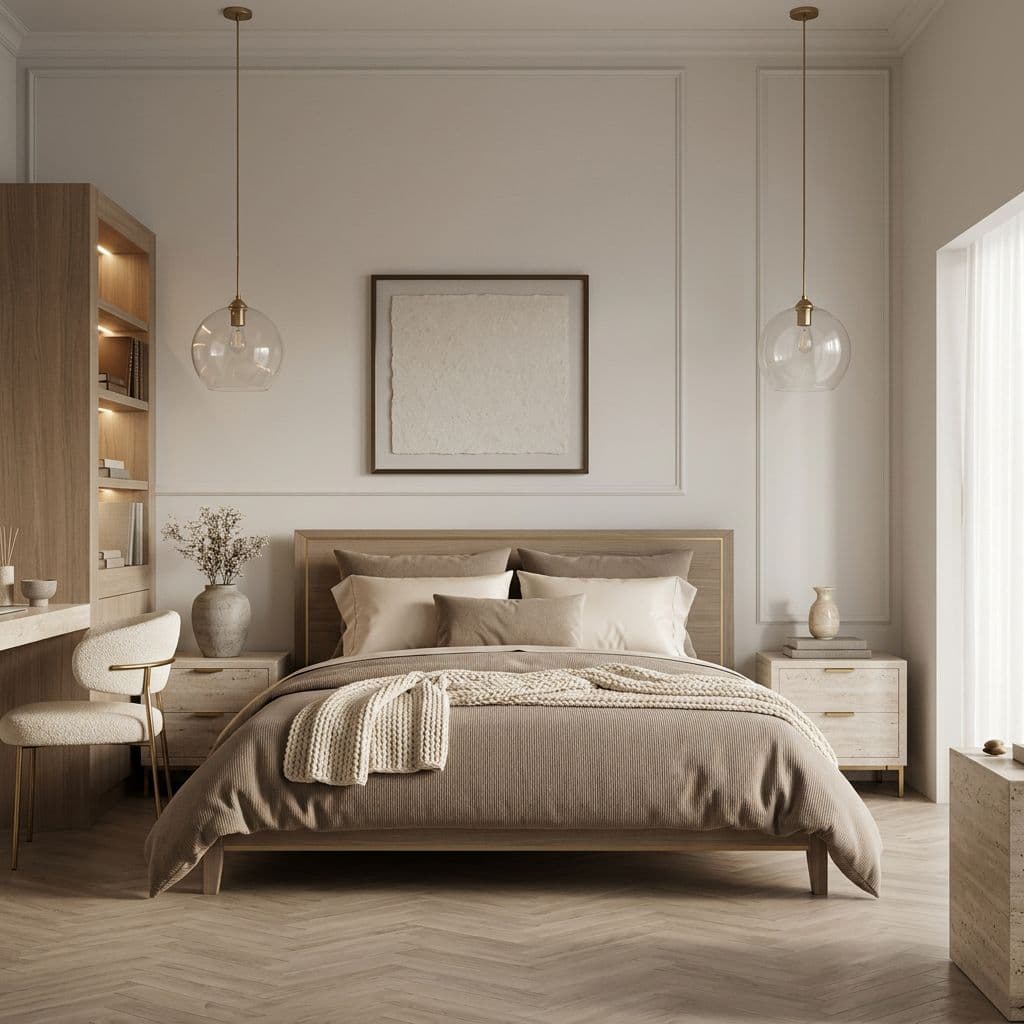 Quiet Luxury
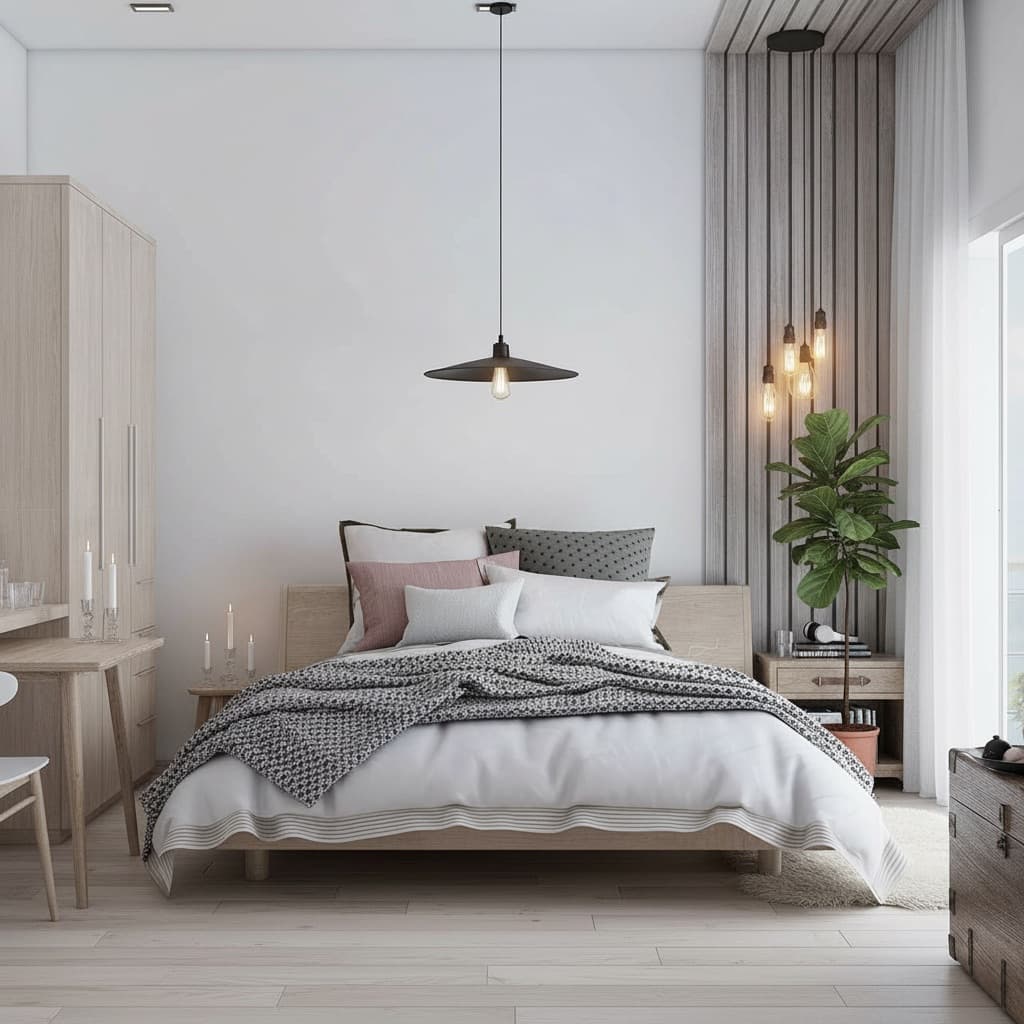 Scandinavian
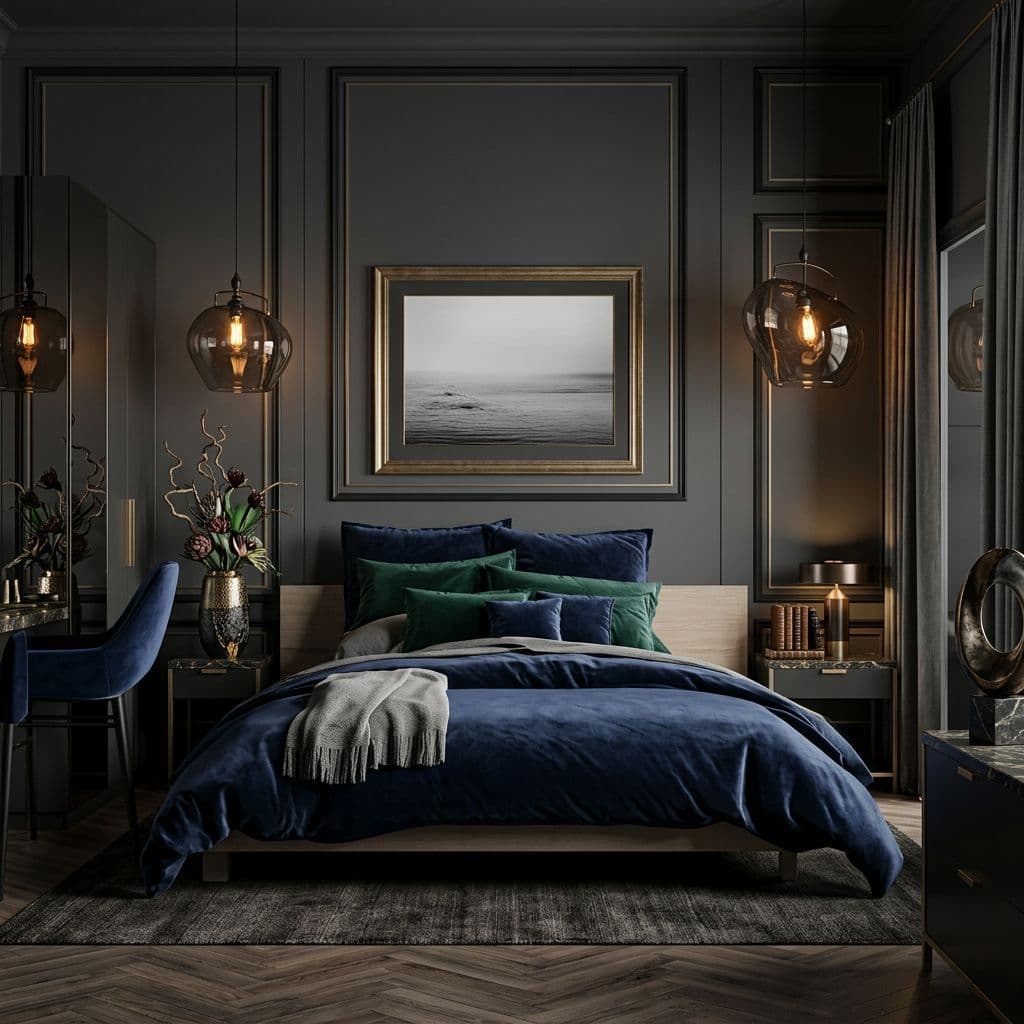 Dark LuxeModern Studio
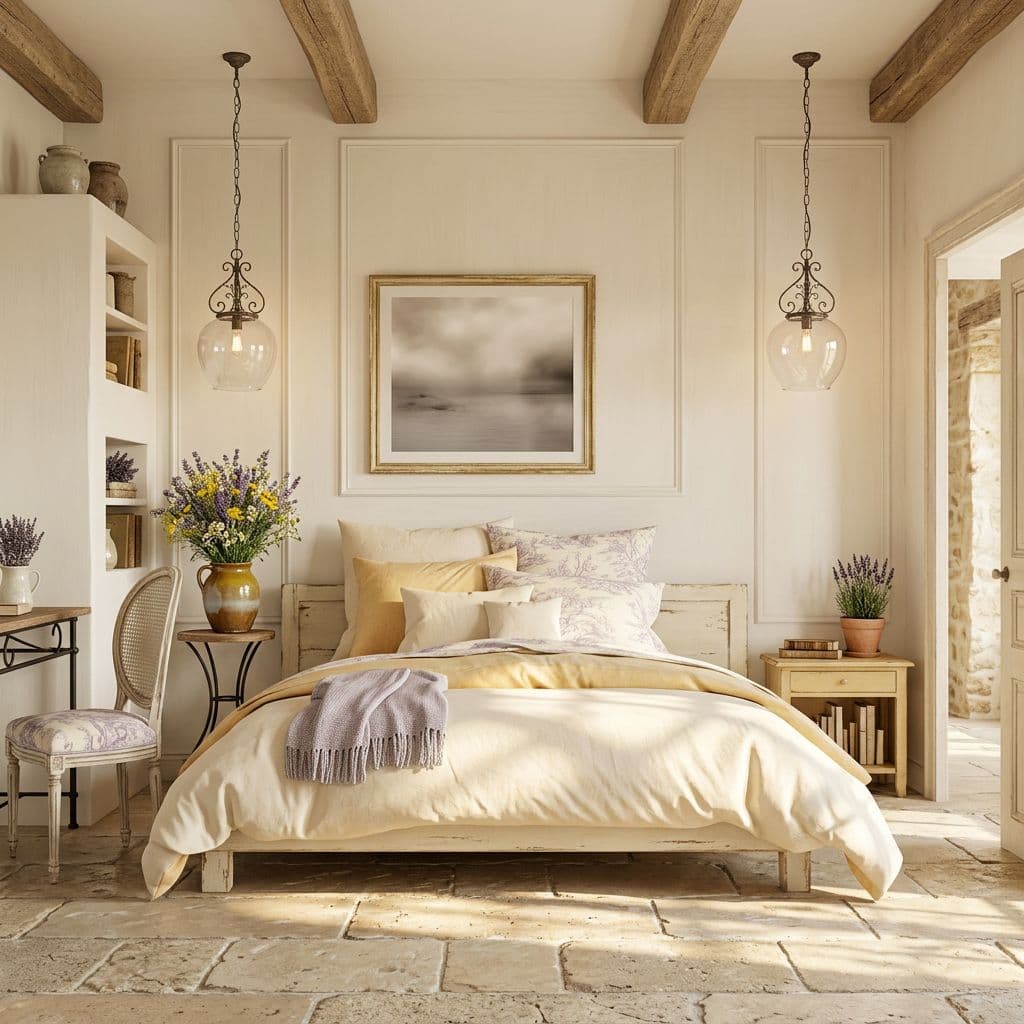 French Country
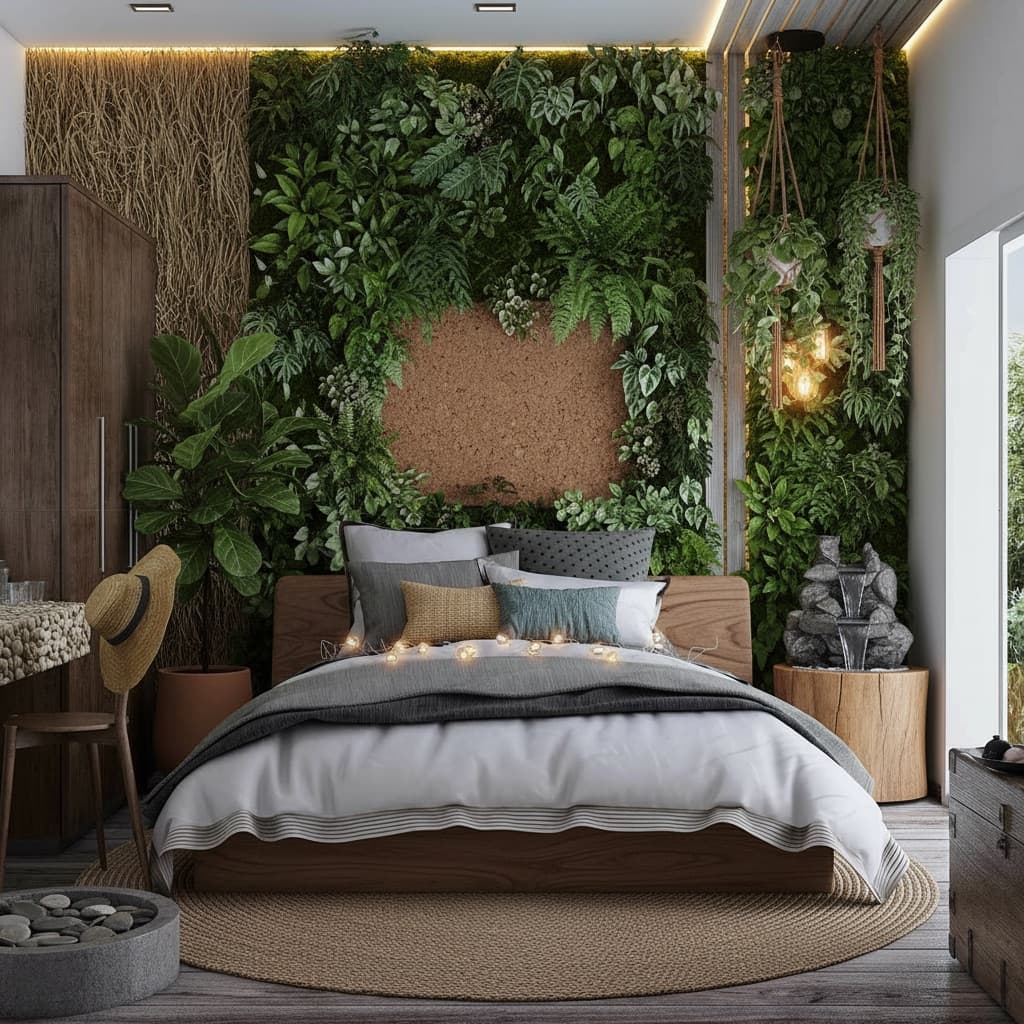 Biophilic
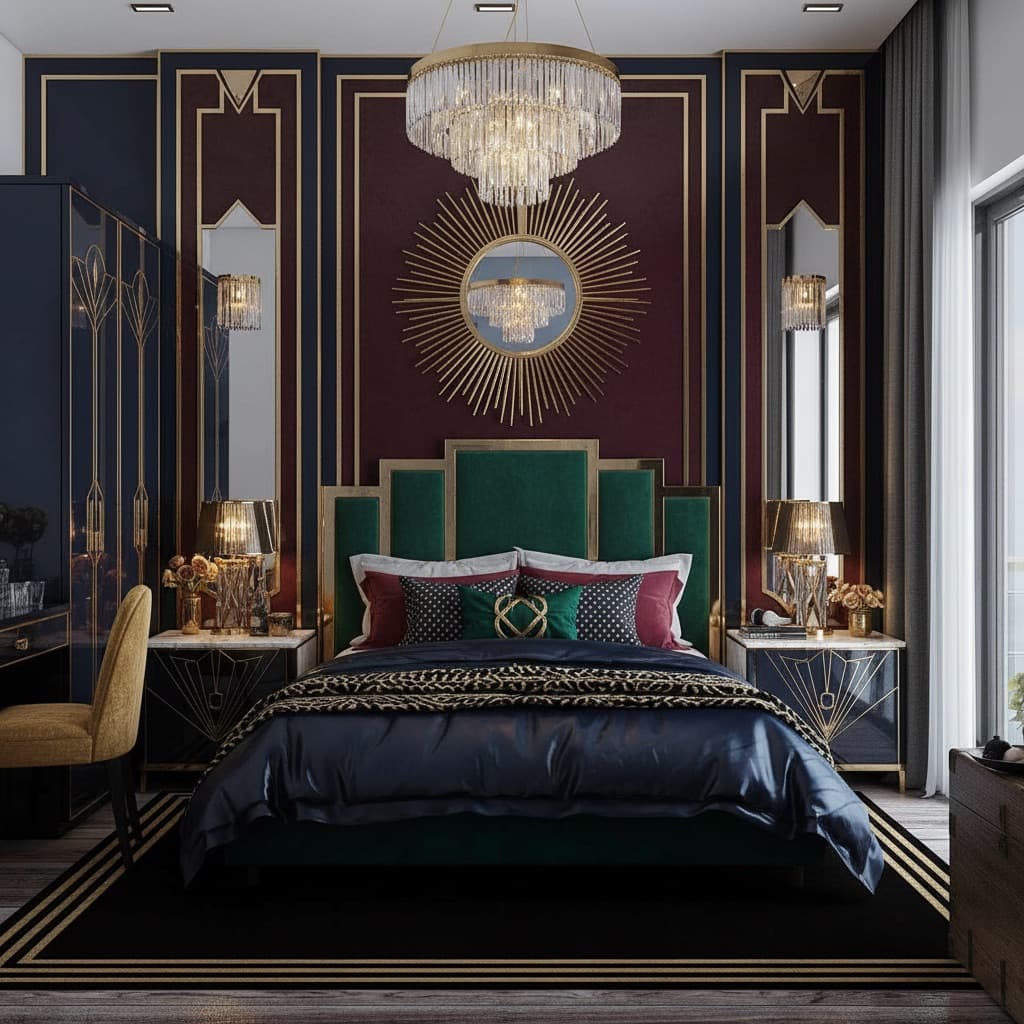 Art Deco
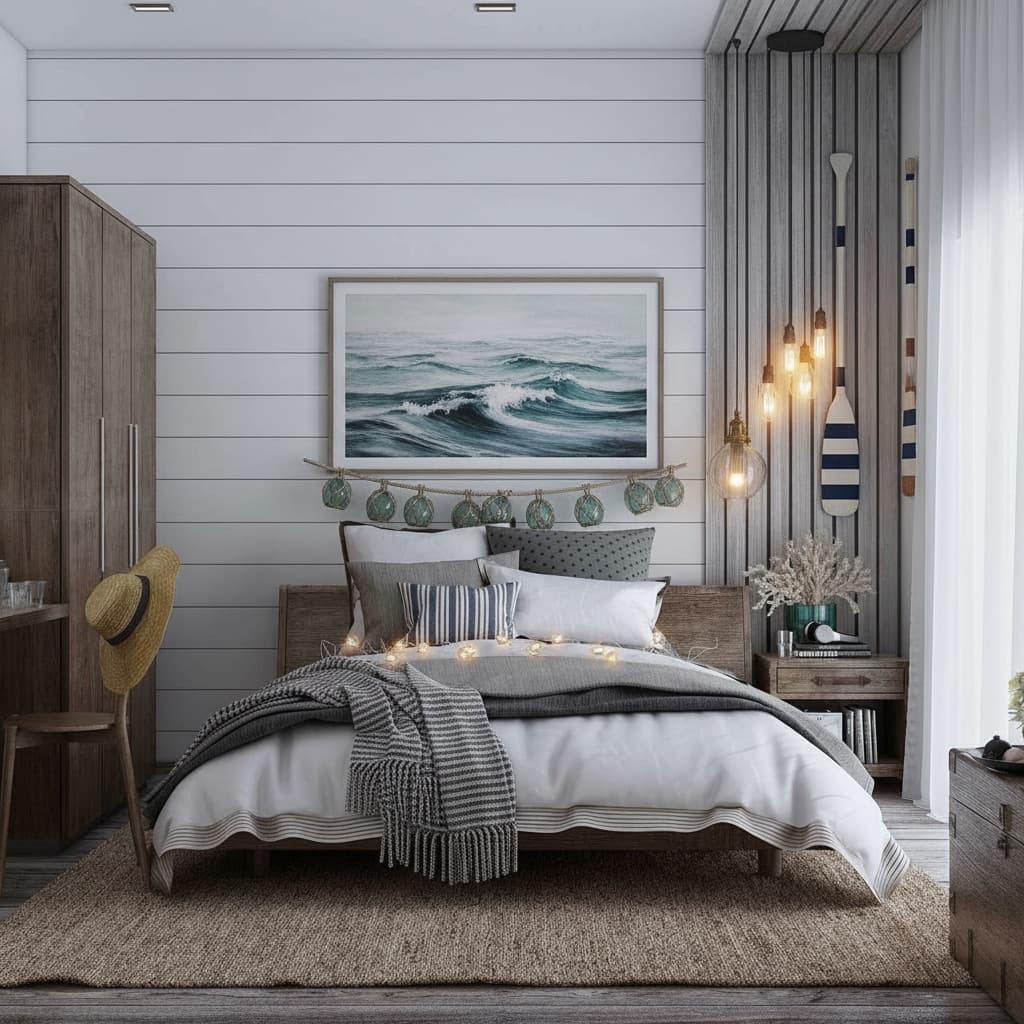 Coastal
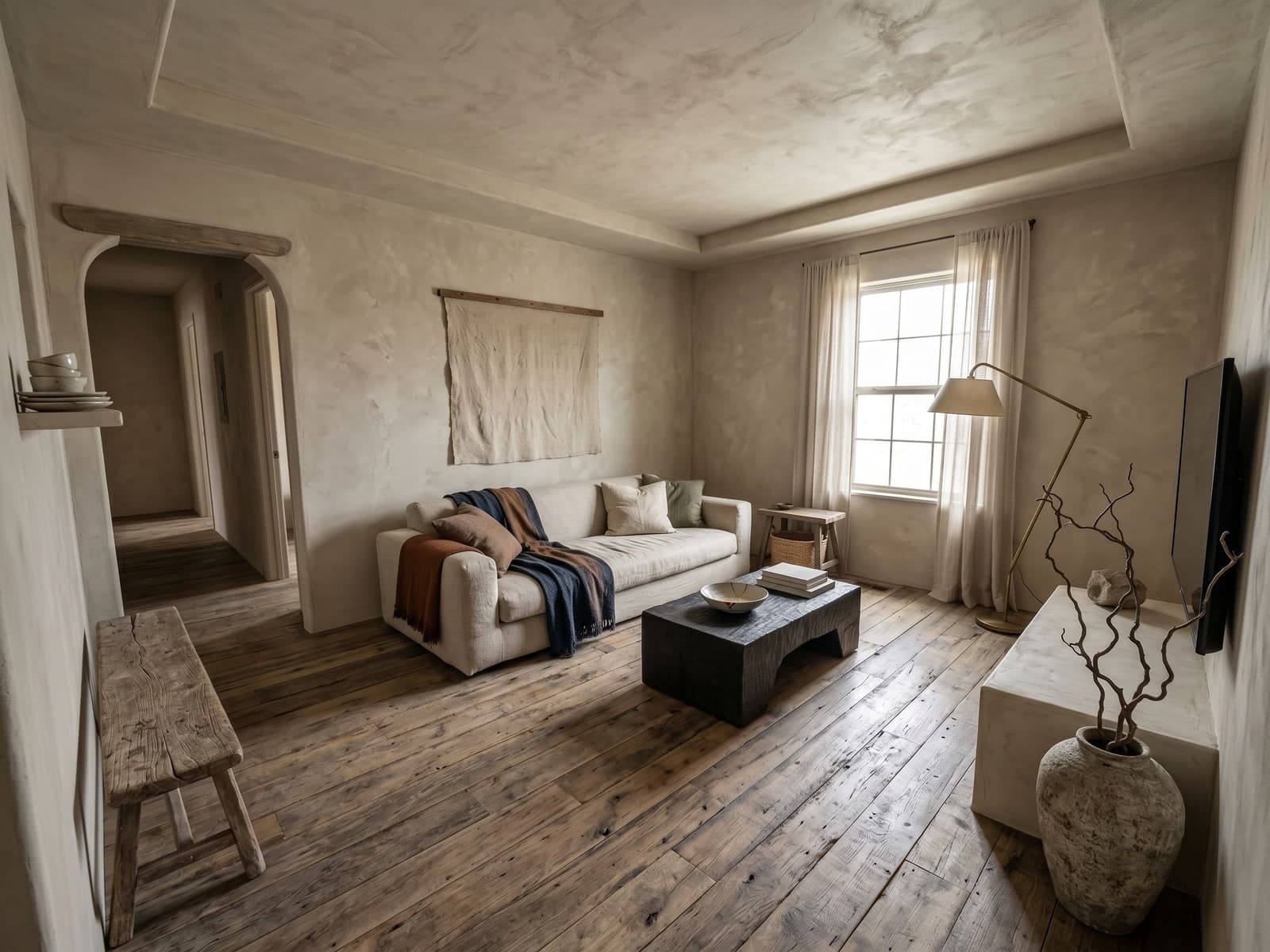 Wabi Sabi
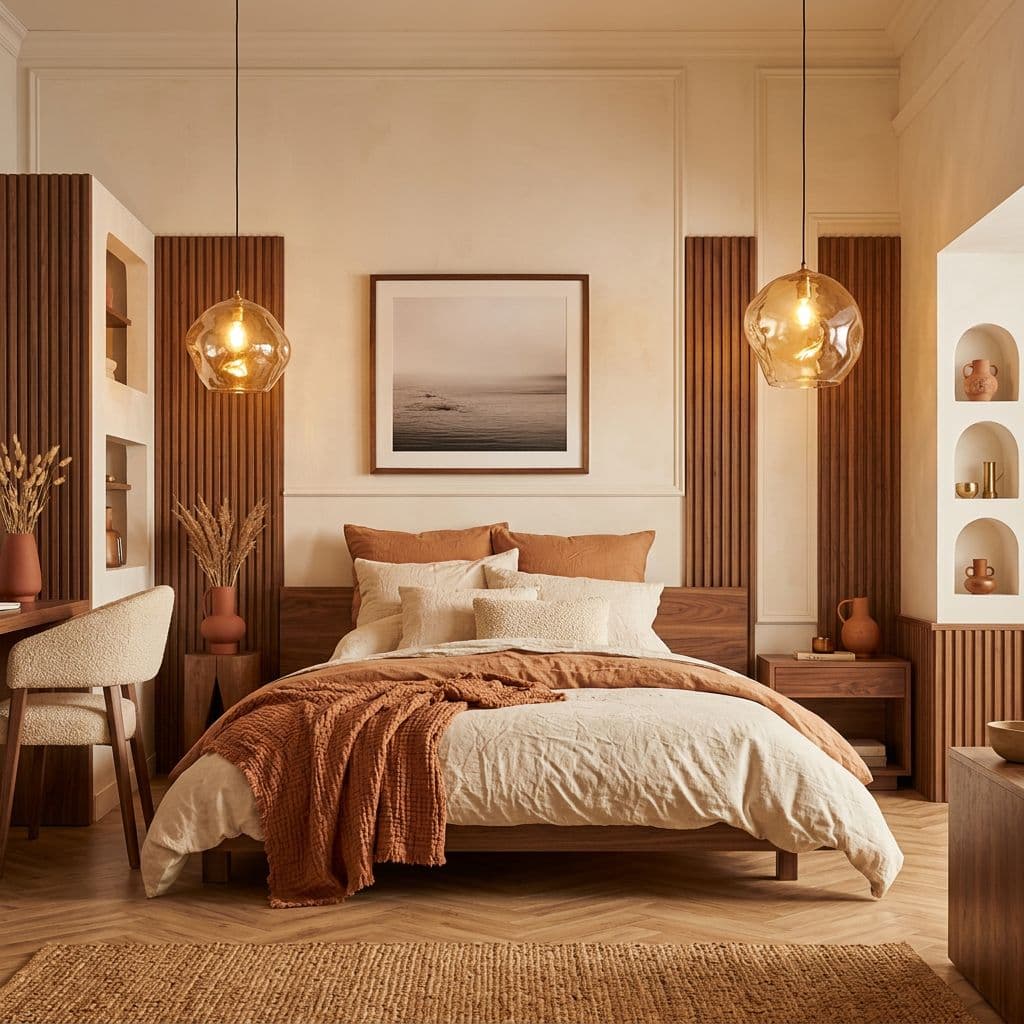 Warm Modernity
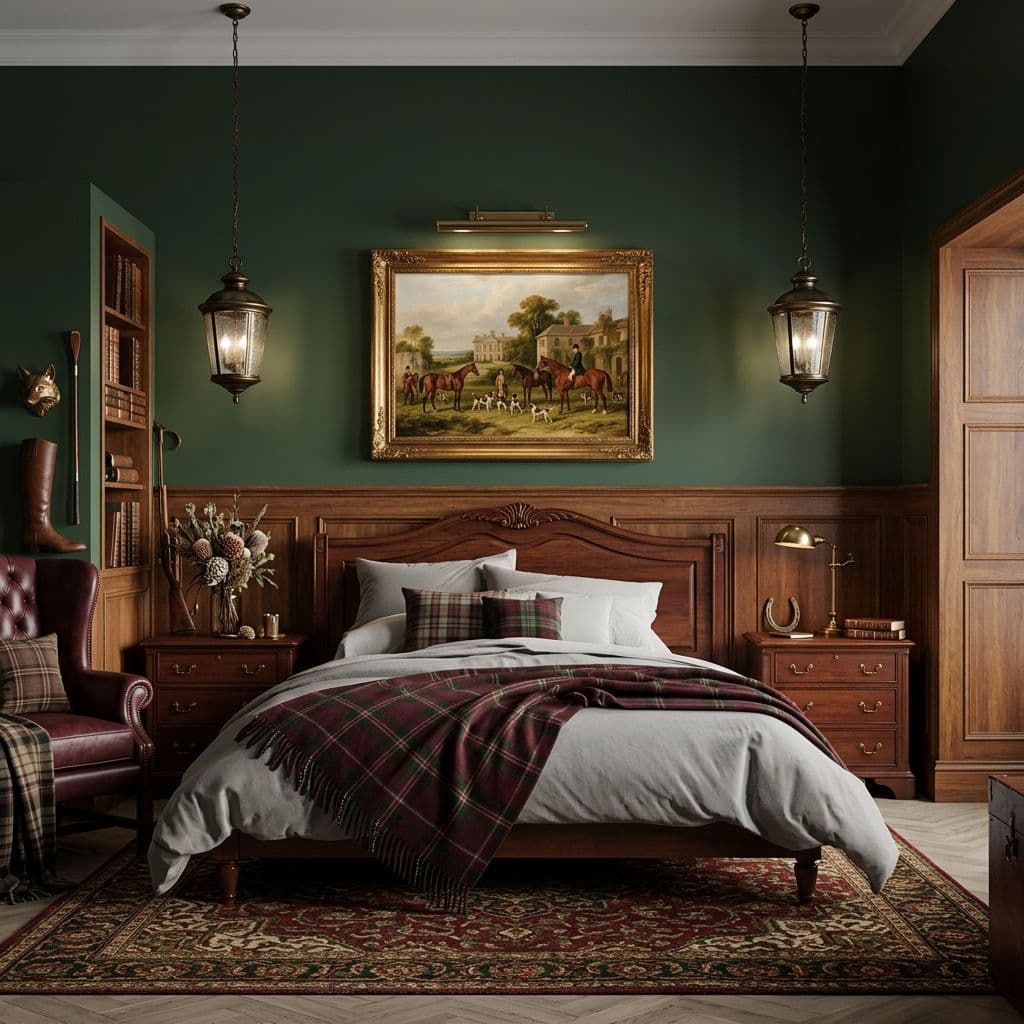 English Manor
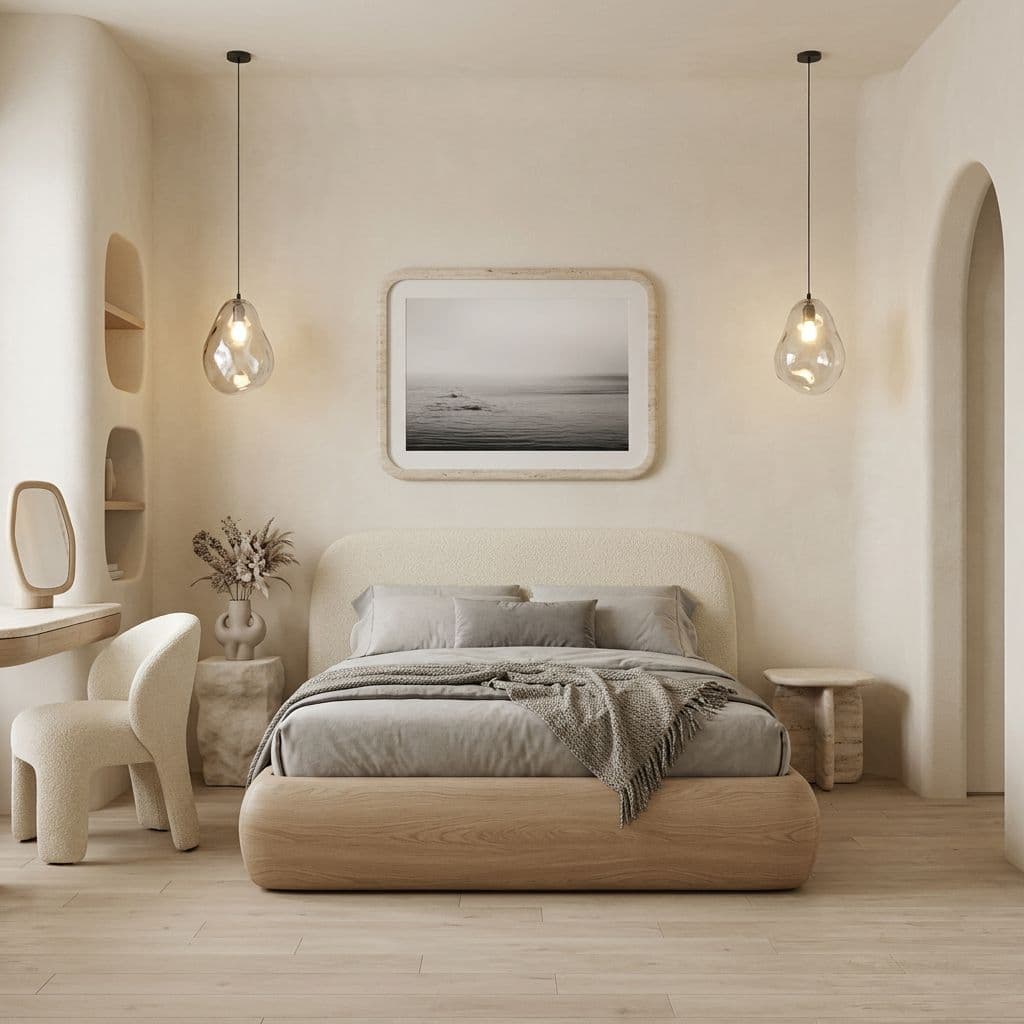 Mid-Century Modern
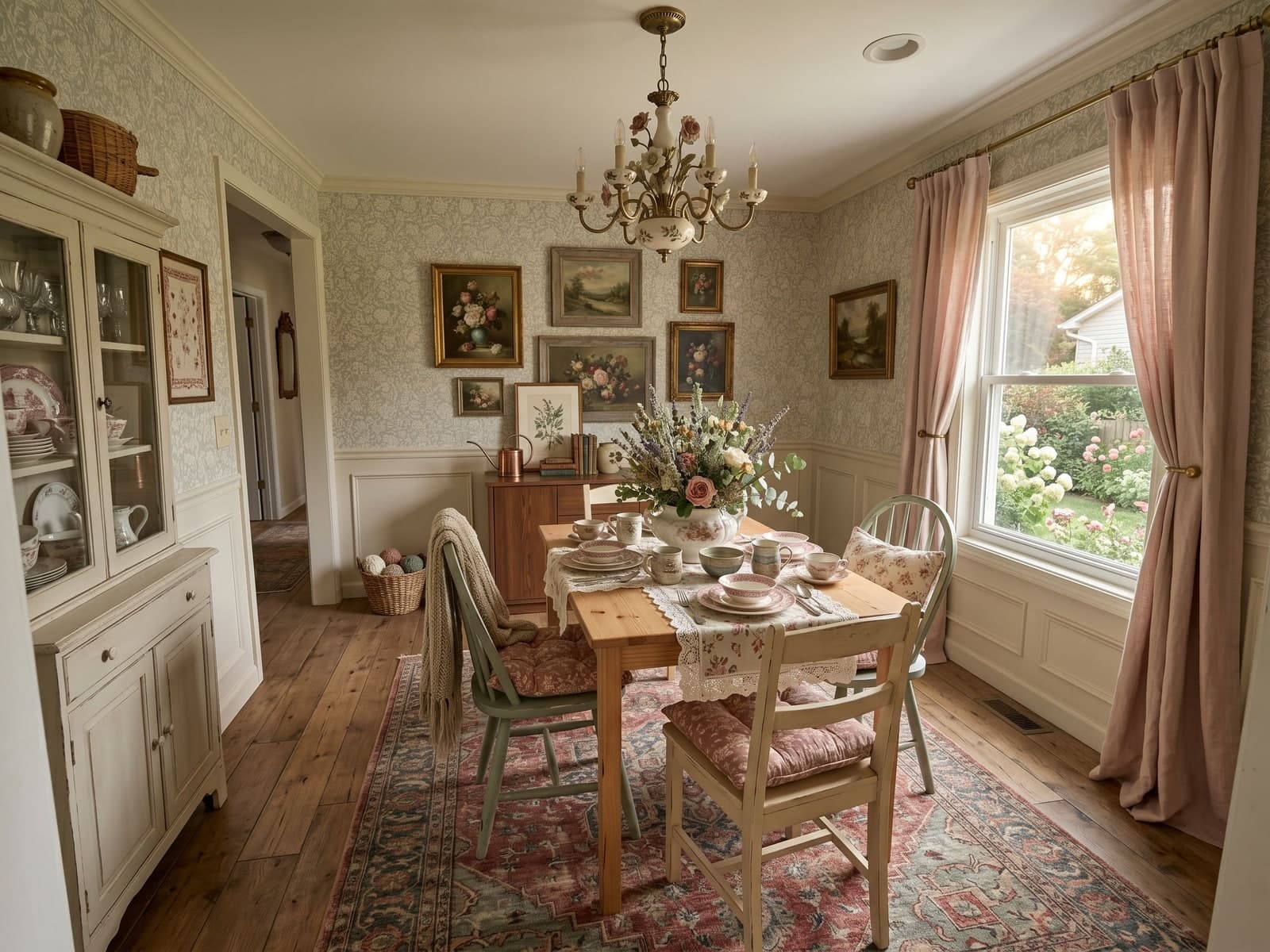 Cottagecore
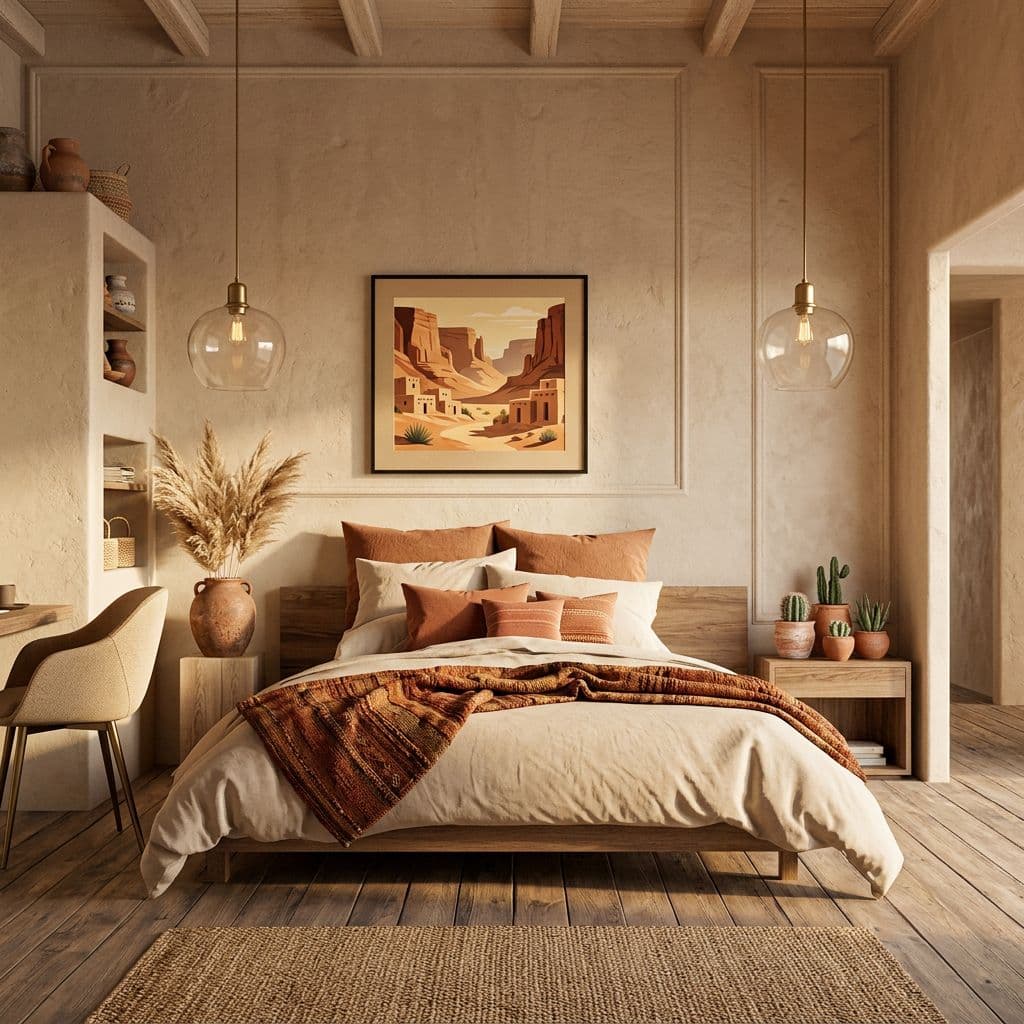 Desert Modern
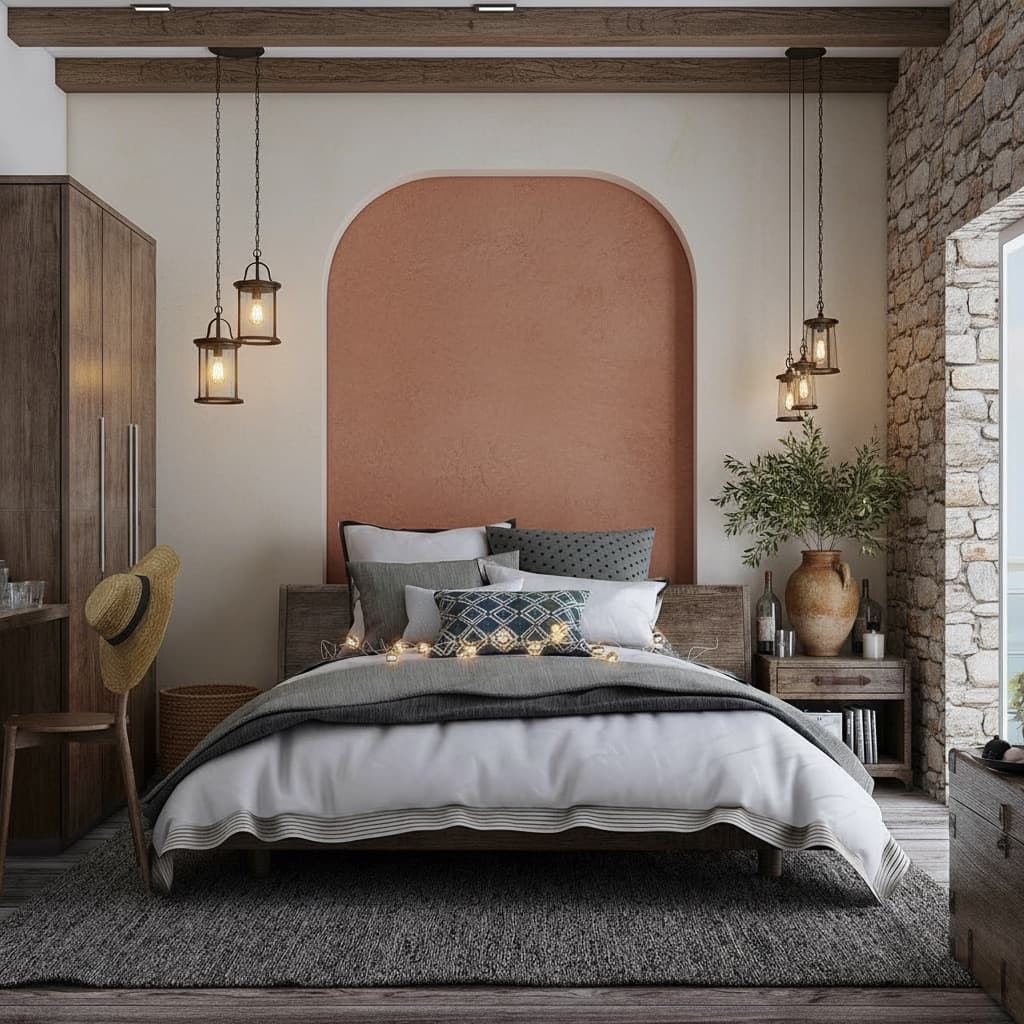 Mediterranean
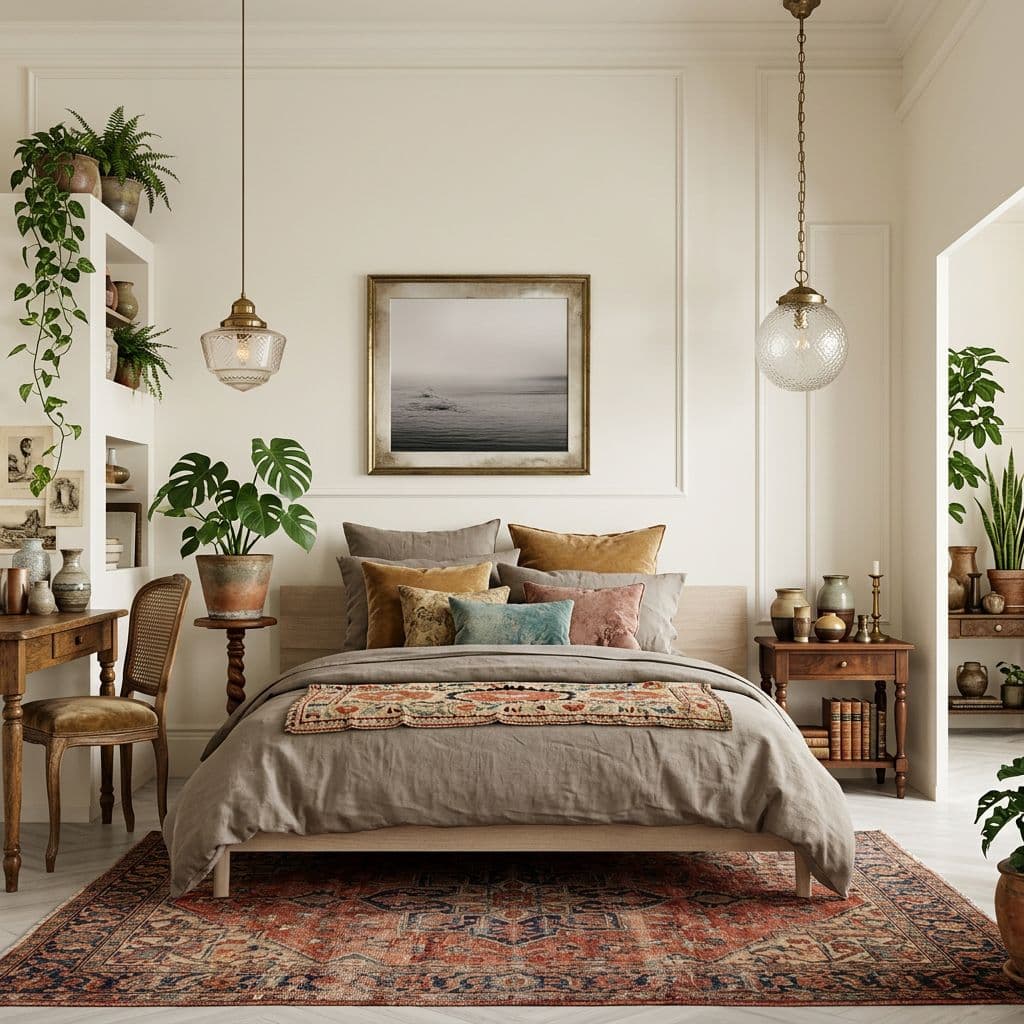 Vintage Eclectic
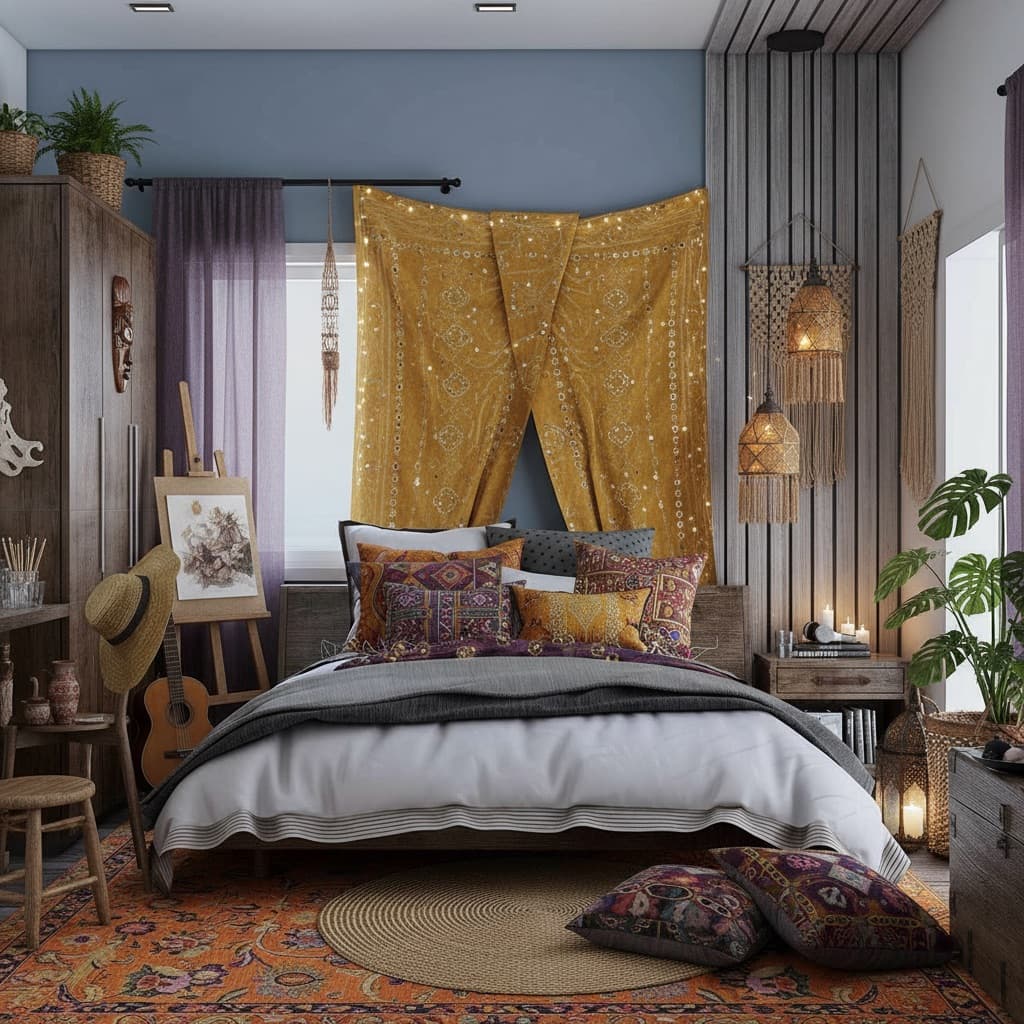 Bohemian
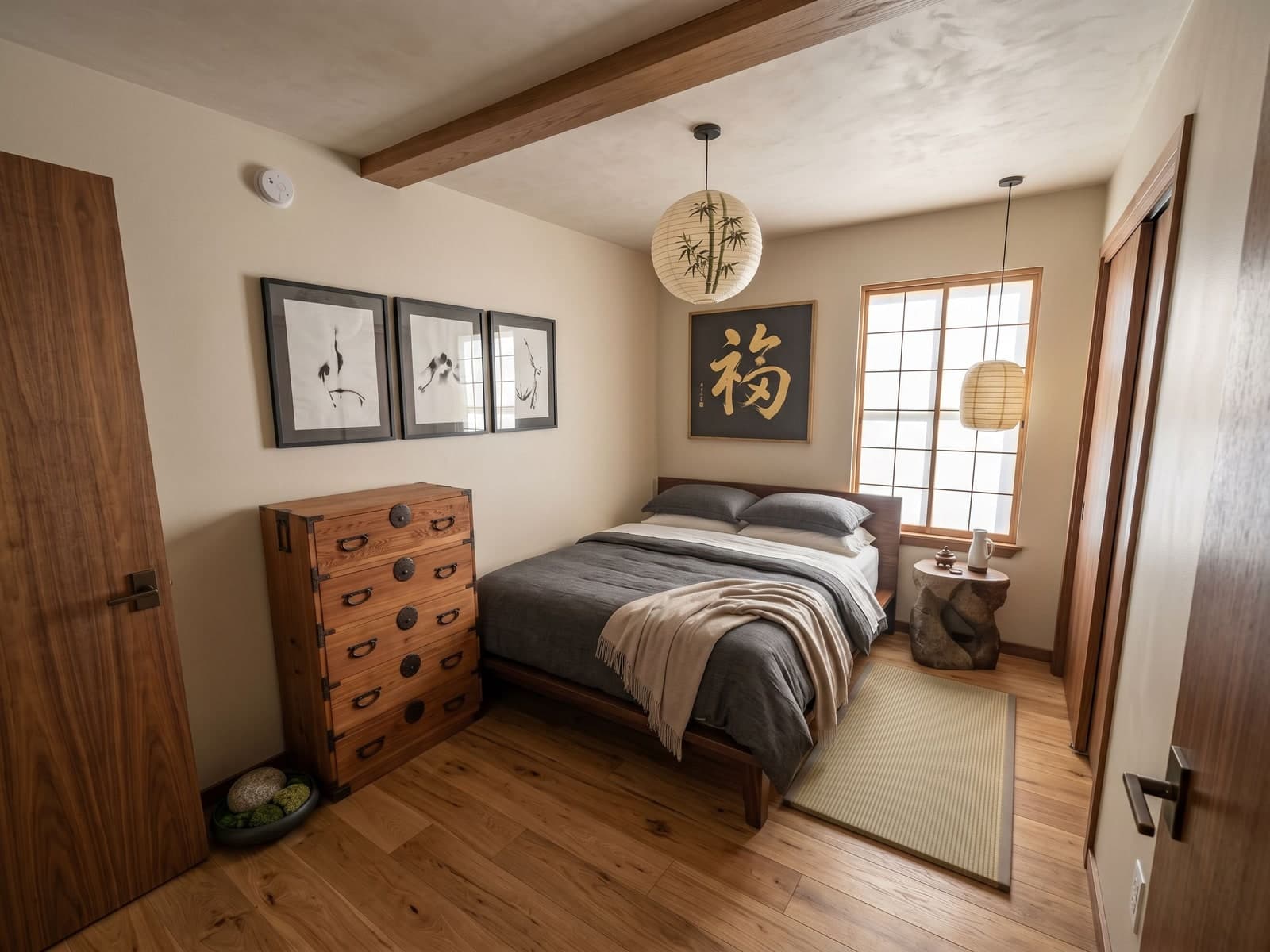 Asian Zen
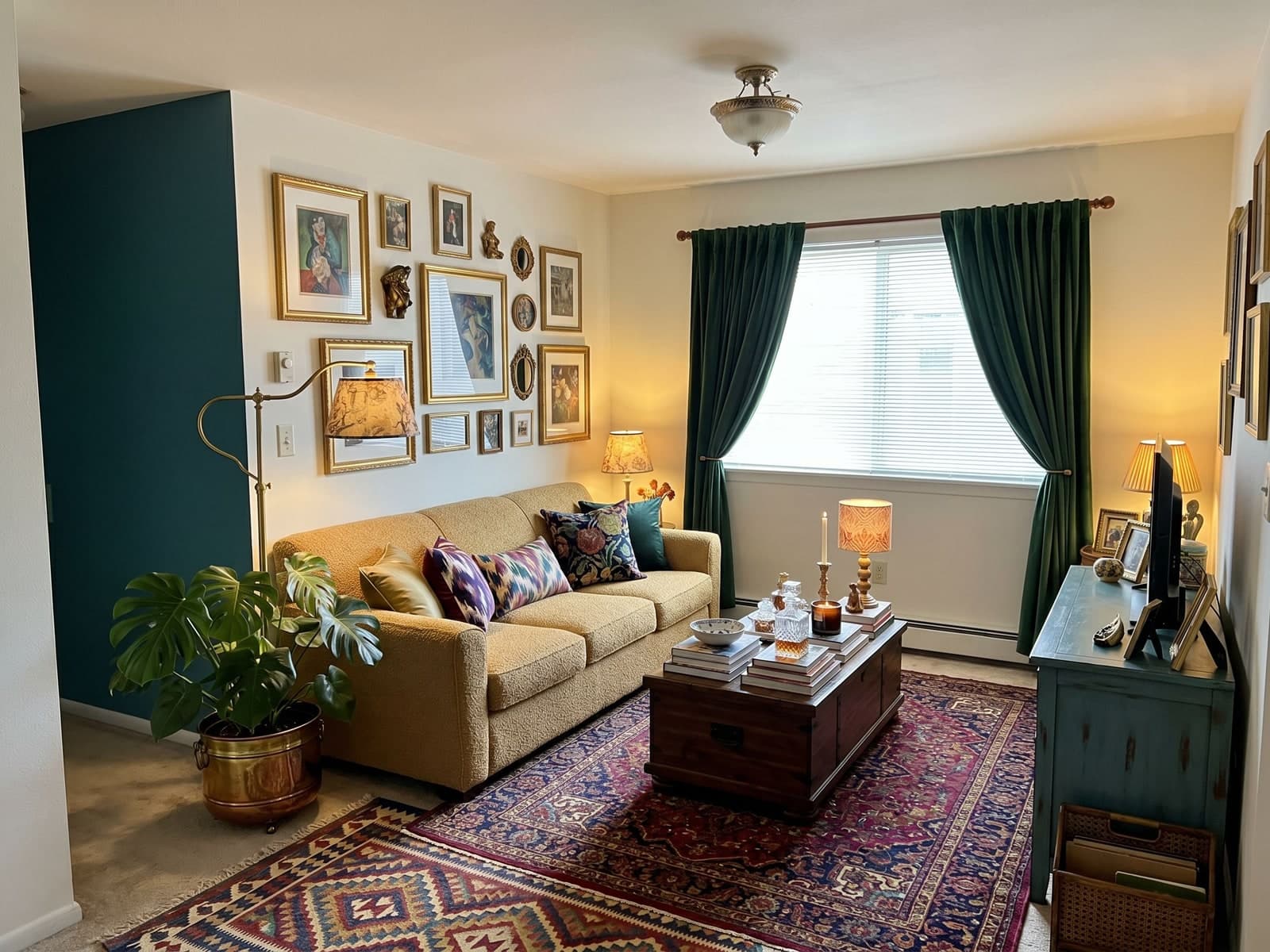 Cozy Maximalist
Or describe your own
The Style Builder turns any prompt - or any mix of era, palette and materials - into a reusable style.
Build a stylePaint the walls. Move the sofa. Keep everything else.
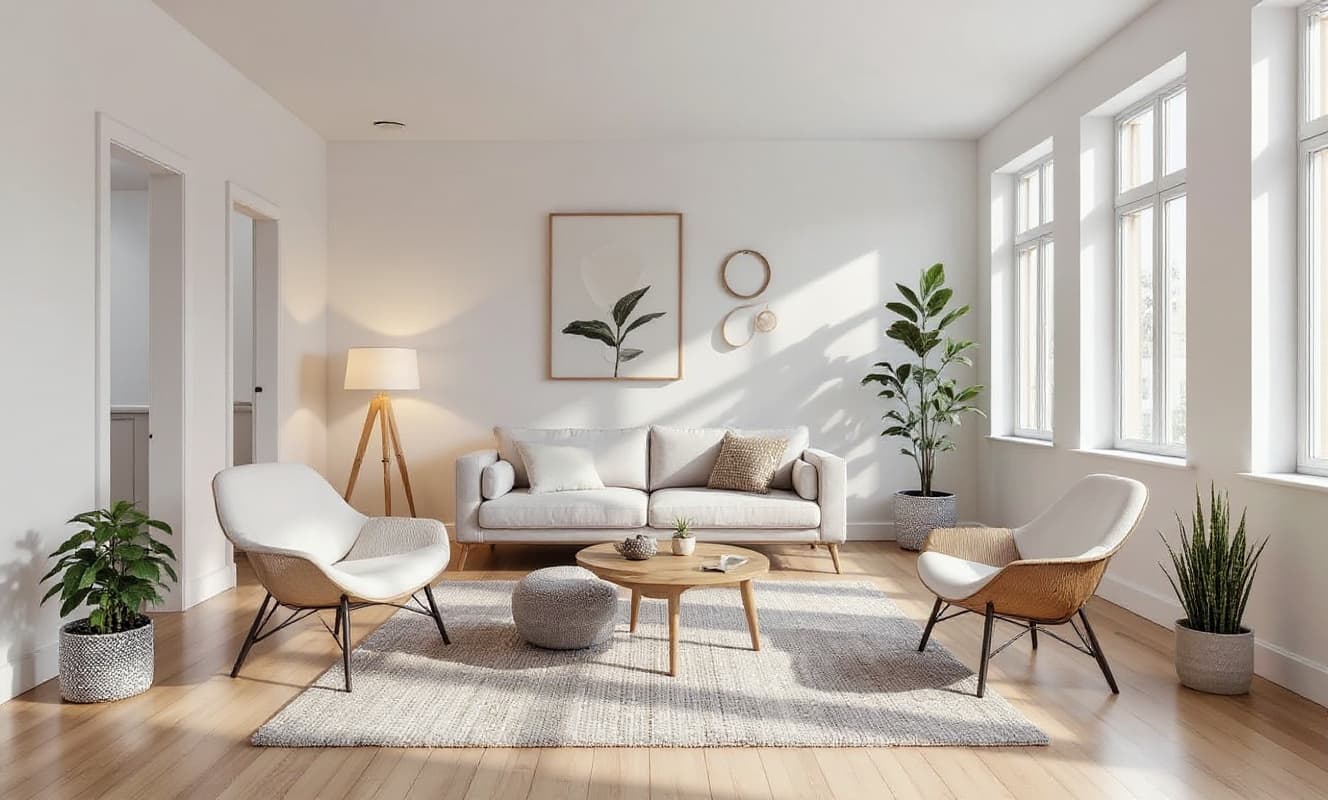
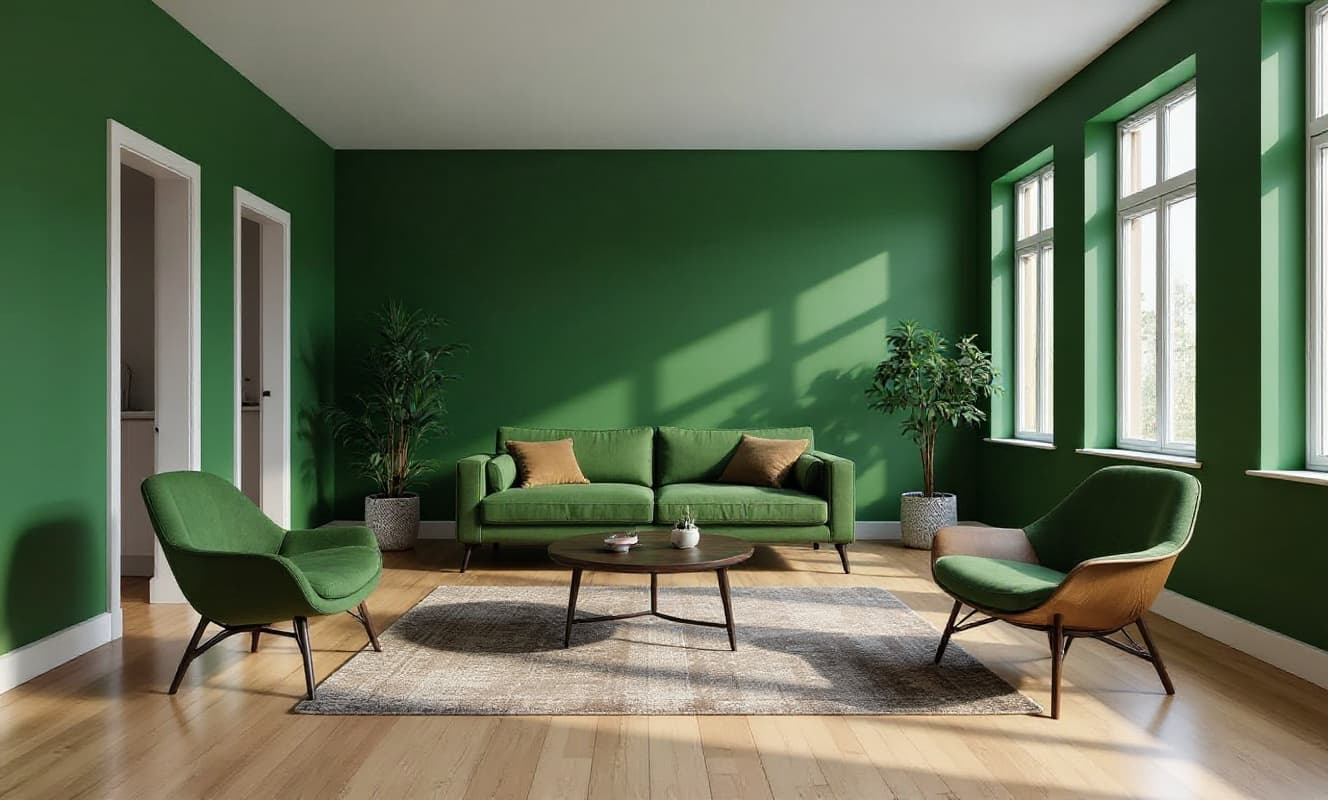
A redesign gives you a direction. The edit tools give you control: one precise change to a room you already like, with nothing else touched.
- 📷 Original
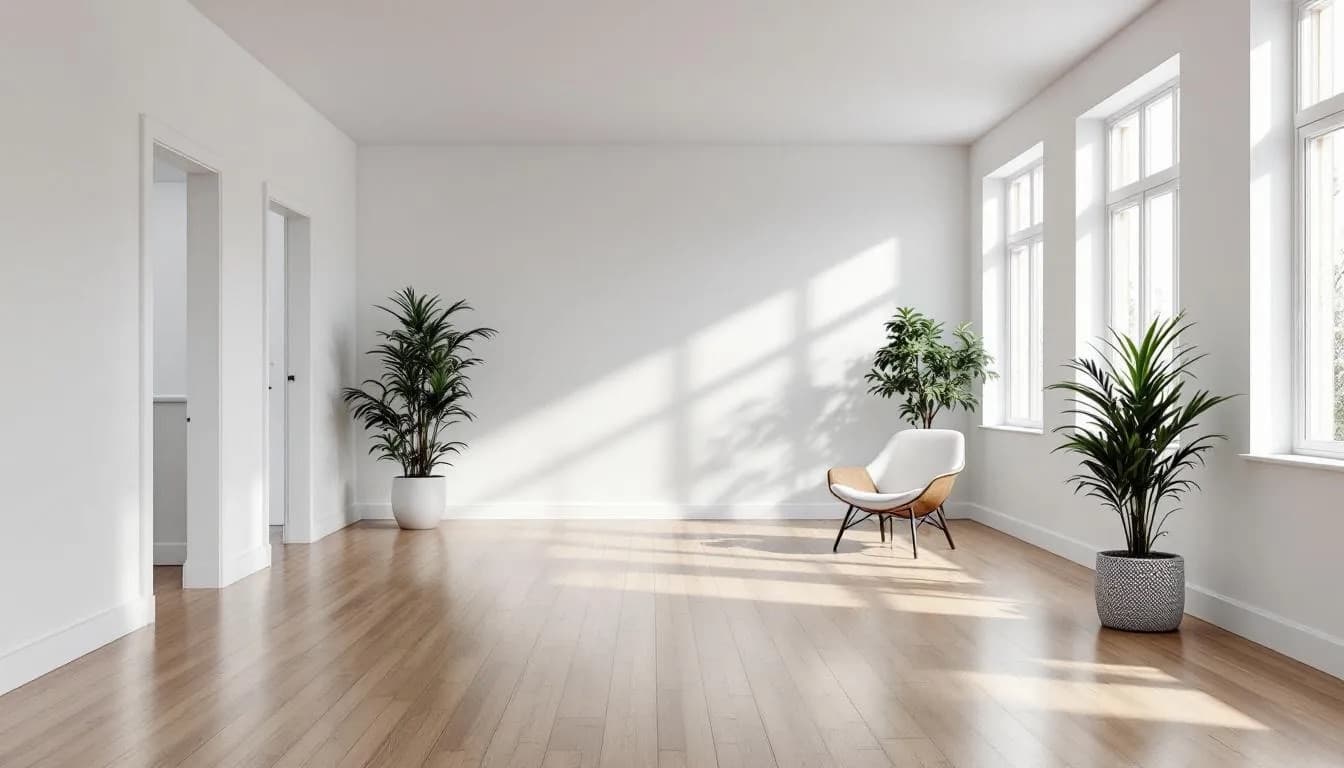
- ✨ Furniture added
- ✨ Walls recolored
- ✨ Evening light
One room, three separate edits. Nothing else in the photo moved.
Add furniture from a photo
Snap a wardrobe, a sofa you saw in a store, anything - the AI places it in your room at the correct scale, in your room's light.
Paint the walls
Preview any color rendered in your room's actual lighting. No more guessing from a 2-inch swatch.
Remove objects
Erase the old bookshelf, the cable spaghetti, the radiator. The AI fills in what was behind it.
Rearrange the furniture
Ask for a different layout and see the pieces you already have in new positions.
Adjust lighting
Add a pendant, shift to evening - the room re-renders with the new light source.
Recolor anything
Change one piece - the sofa, the cabinets, the trim - without touching the rest. Add a plant, a rug or art the same way.
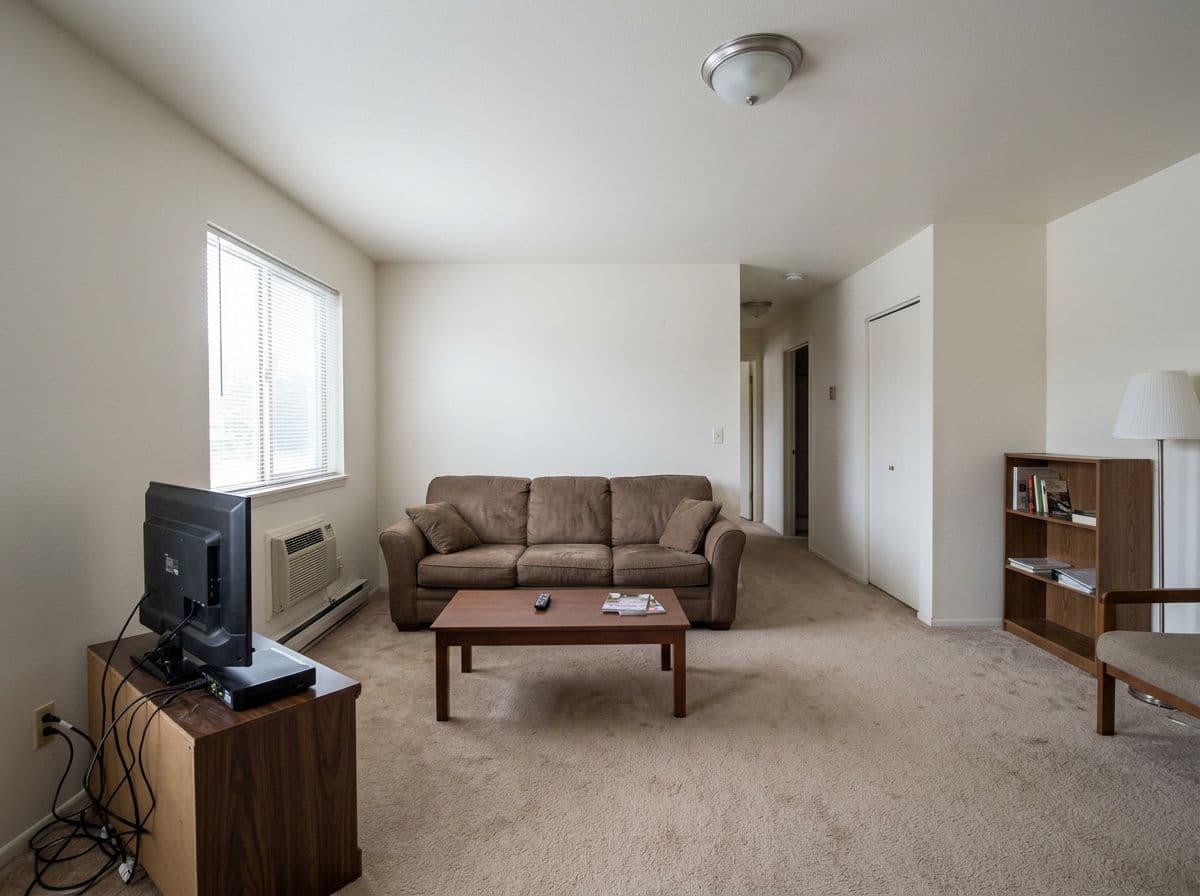 Your room
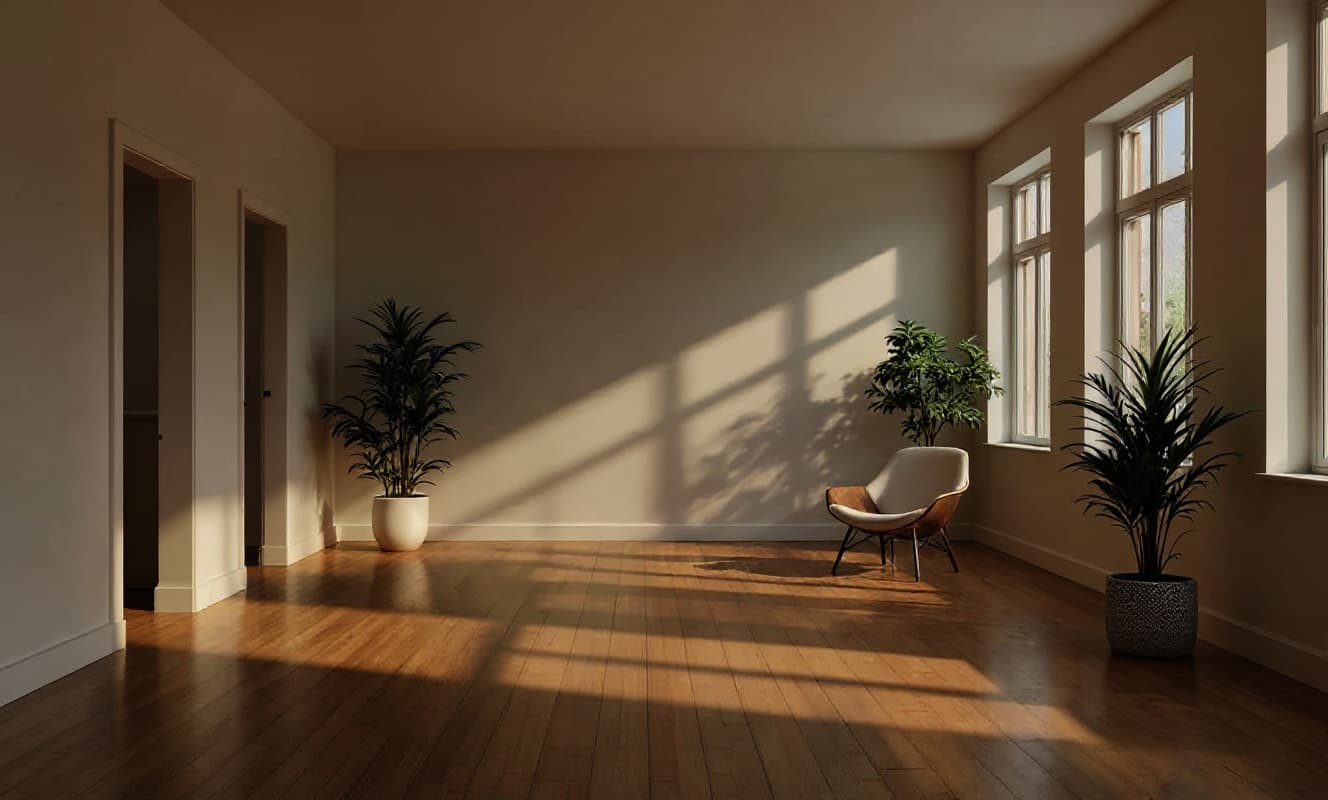
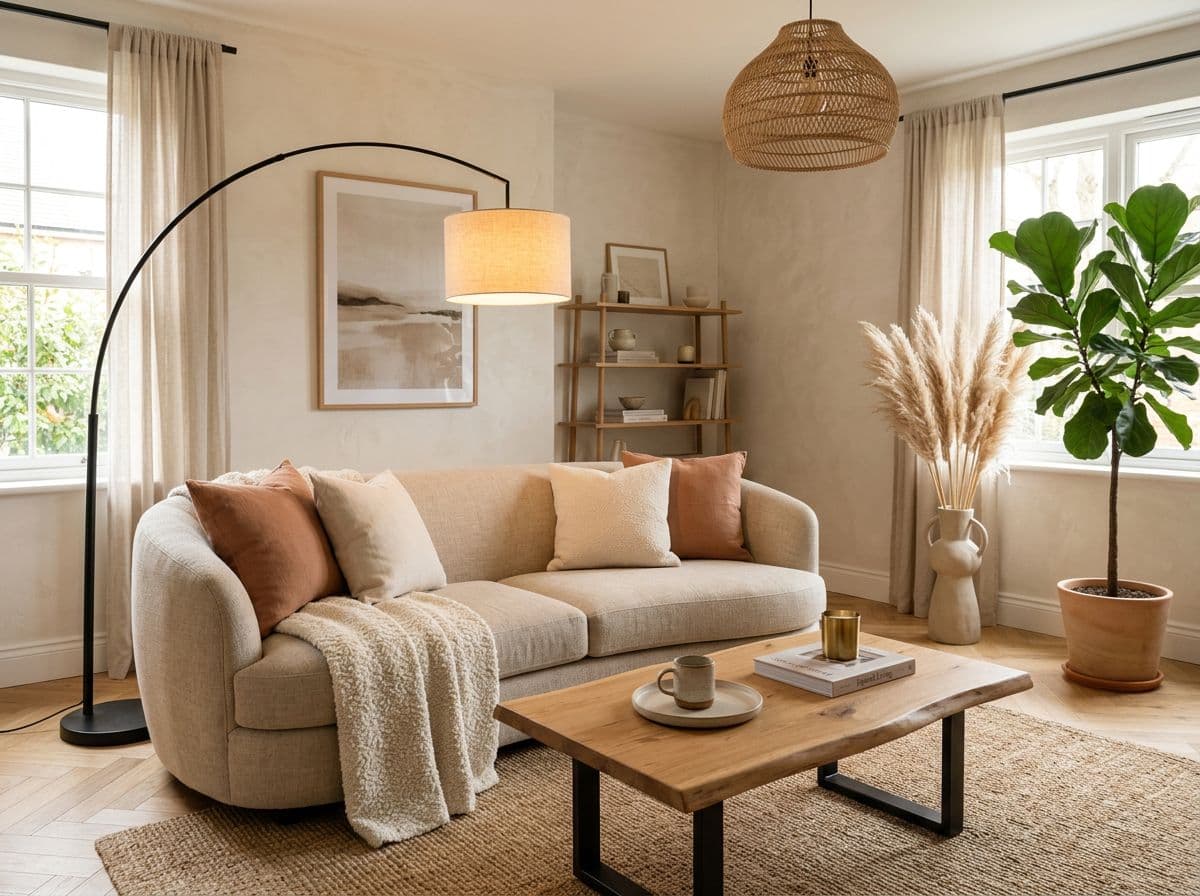 📌 Inspo
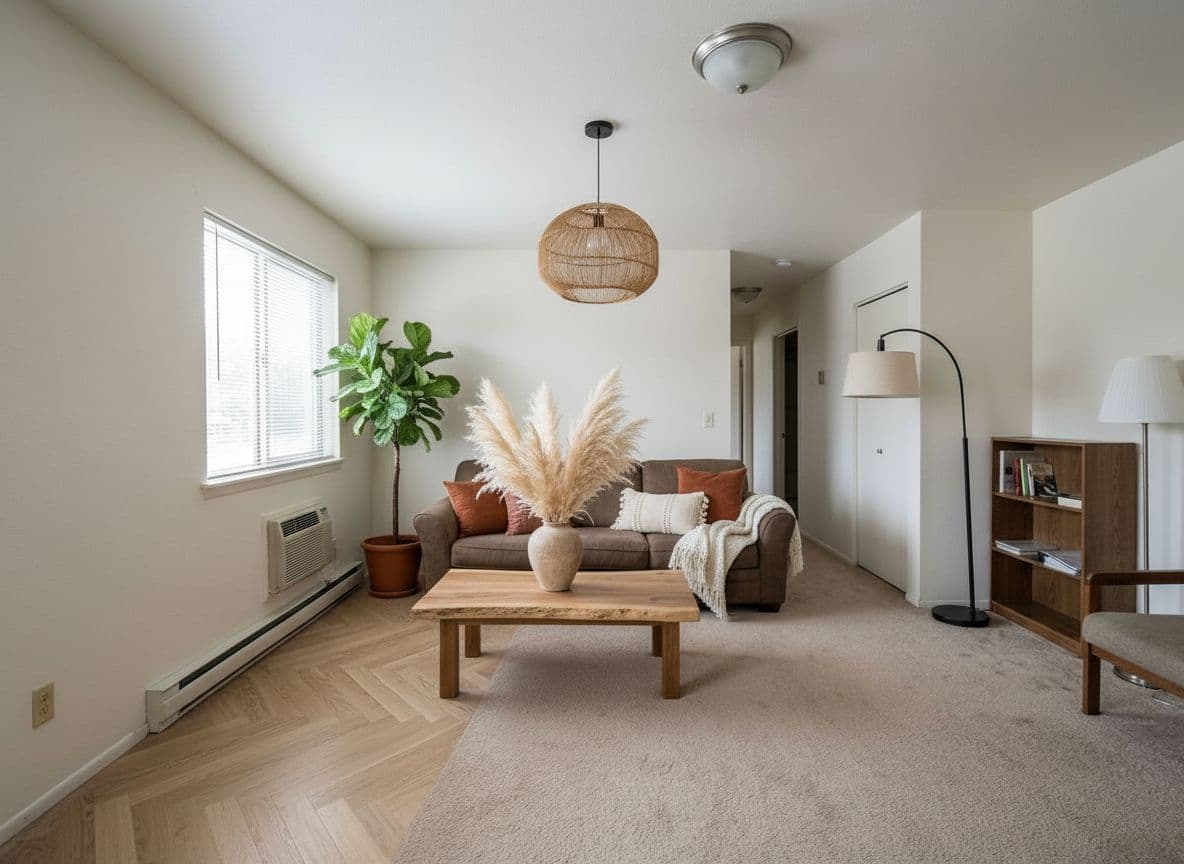 ✨ Restyled
Drop in any inspiration image - Decoratly extracts the palette, materials and mood, then renders your actual room in that style.
Saved a room you love? Put that style on yours.
Drop in any inspiration image: a Pinterest pin, an Instagram post, a page from a magazine. Decoratly picks up its palette, materials and mood and applies them to your actual room. You don't get someone else's space rendered. You get yours, in their style.
- Works with any inspiration image
- Preserves your room's geometry and lighting
- Stack with the Edit tools to fine-tune
AI virtual staging, for every angle of a room.
A real room is more than one photo. Add several angles and Decoratly redesigns them together in the same style, so color, materials and lighting match from shot to shot. Realtors use the same thing to stage empty listings in a look buyers respond to.
- 🔄Same style applied across all angles
- 🏷️Virtual staging for under $20 per listing
- 📐No watermark, up to 2048px for presentations and portals
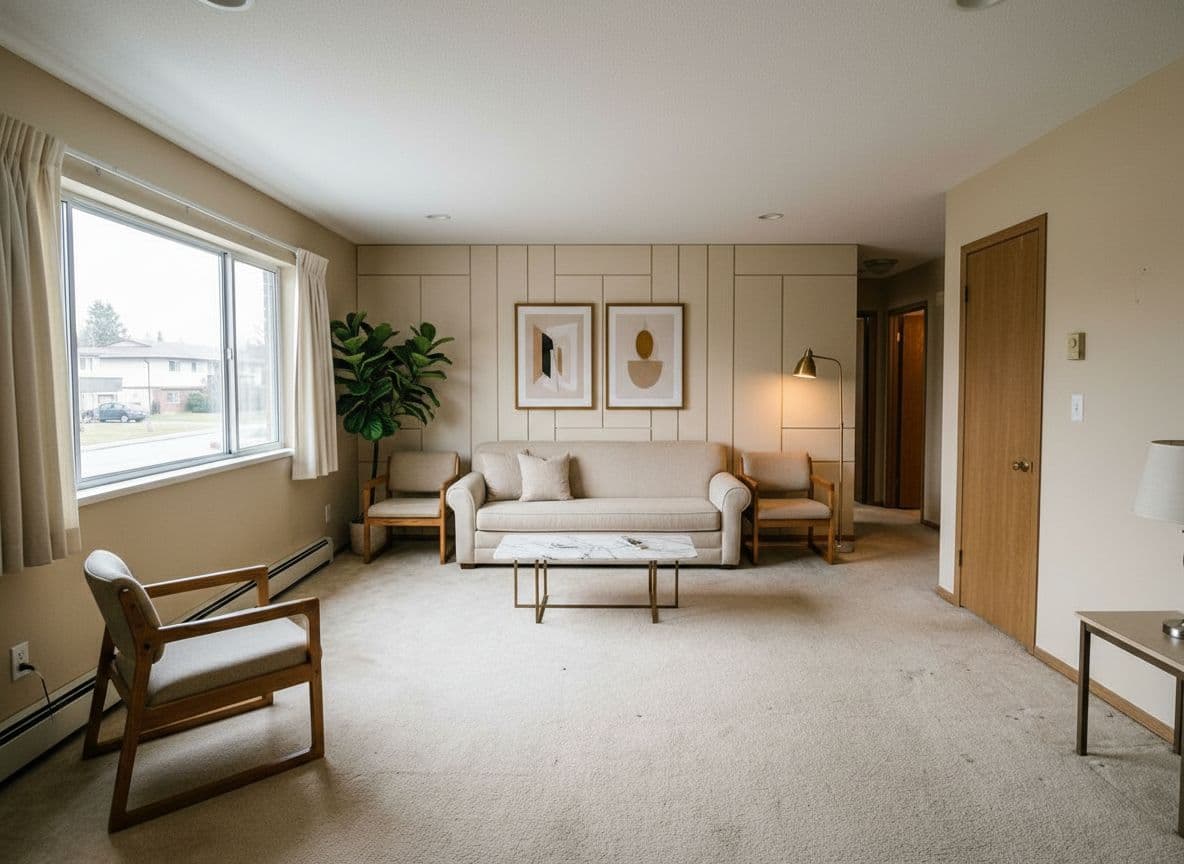
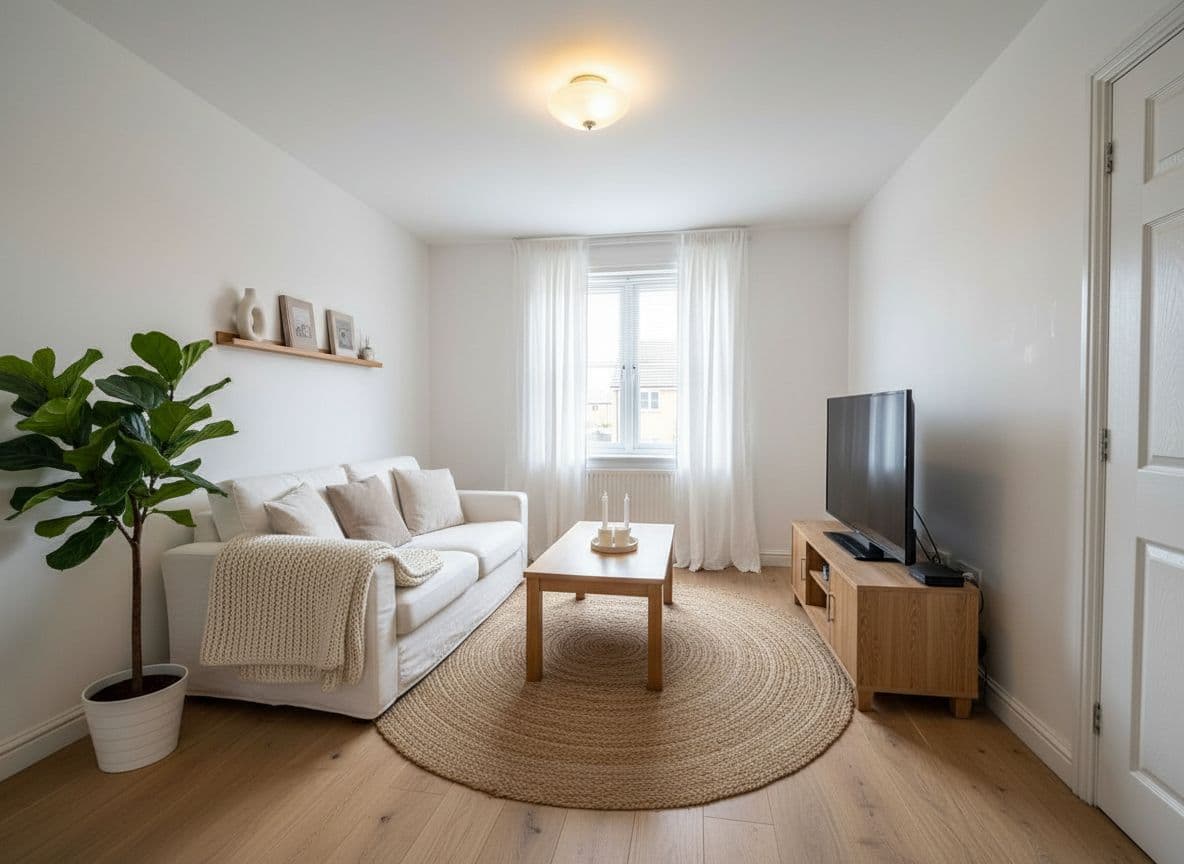
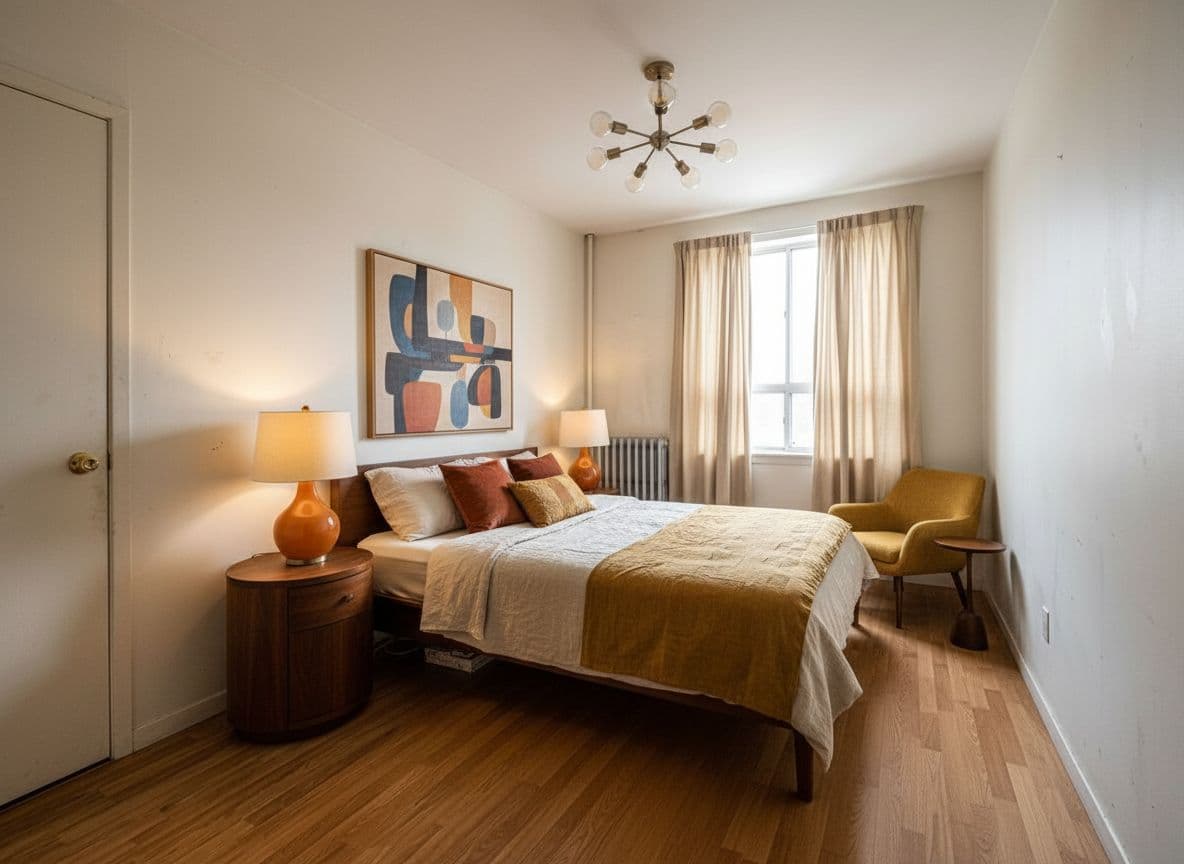
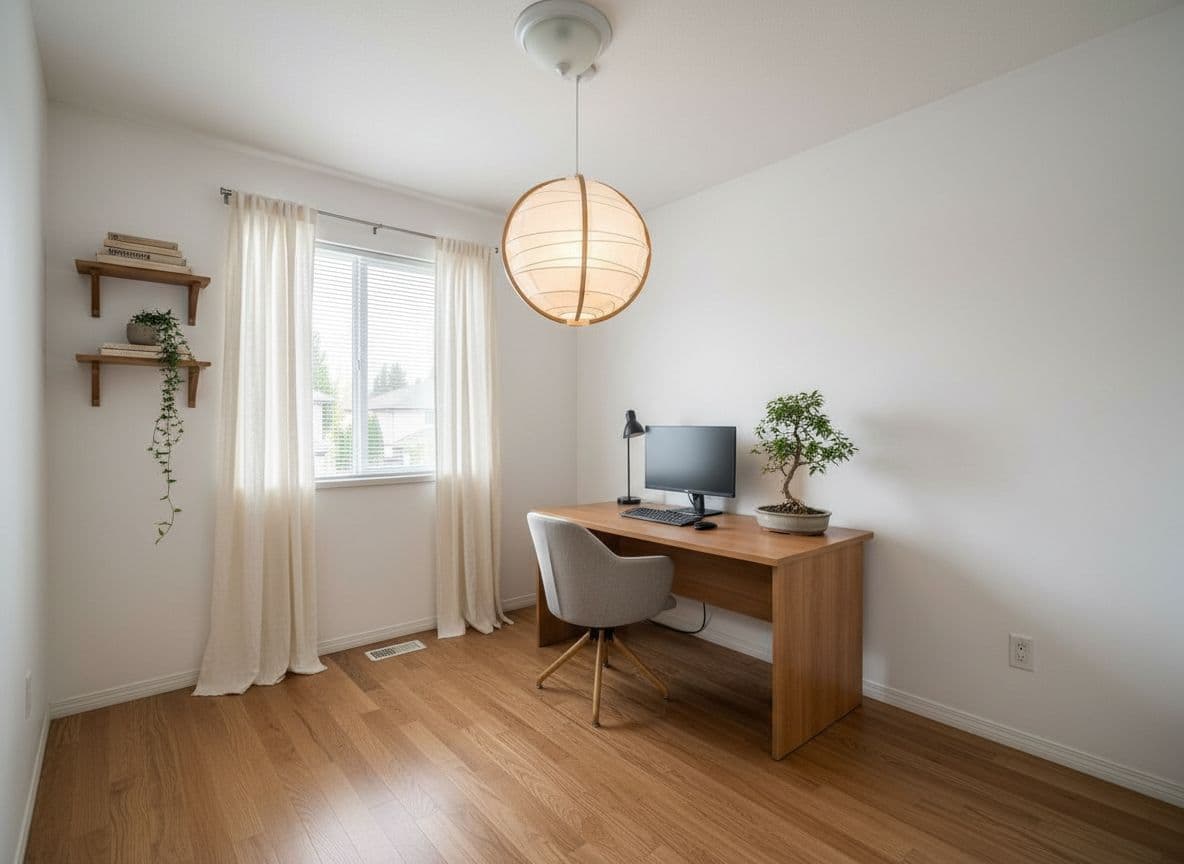
Four different rooms, staged with AI.
Tap any piece. Find a real one like it.
The redesign is AI. The furniture you click through to is real. Decoratly searches Google Shopping for products that look like the piece you tapped.
- Visual match, not keyword searchThe search starts from what the piece looks like, not what it's tagged. You get real-world equivalents of what's in the render.
- More than one price pointCheaper and pricier takes on each piece. Match the look on your budget.
- Straight to the retailerEach result opens on the shop's own page. Decoratly doesn't sell furniture itself.
Built for homeowners, designers and realtors.
Plan a refresh without paying for a vision first.
See your room in 10 different directions before you spend on a single piece. Decide what you actually want before you buy.
Present 8 directions in one client meeting.
Render concepts in the time a moodboard takes. Use the AI chat to draft palettes between meetings. Edit live during reviews.
Virtually stage any listing for under $20.
Upload empty-room photos and redesign them in a buyer-friendly style. Process every angle together so the whole listing stays consistent.
What the best AI interior design app actually needs.
Judge any tool - including ours - against this list. It's the checklist Decoratly was built around.
It redesigns your real room - not a stock photo
✓ Decoratly reads the geometry, light and proportions of the room you actually photographed, so the render is yours, not a template.
Control beyond the first render
✓ 75+ styles, a full Edit toolkit, custom prompts and the Style Builder - you steer the result instead of accepting it.
Photorealistic quality you'd show someone
✓ Renders keep your room's lighting and perspective. People use them to brief contractors and convince partners.
A path from picture to purchase
✓ Tap a piece in the render and Decoratly looks for the real-world version through Google Shopping, at more than one price point.
Advice, not just output
✓ The AI design chat critiques your actual room and proposes palettes and layouts you can render in one click.
A free way to judge it on your own room
✓ 1 AI design on your actual room, free and without a card. Judge the quality on your own space before paying anything.
Want the comparison? We compared seven AI room design tools on price and free plans.
Start free. Then $9.99 for 30 days, paid once.
No credit card to start. When you want more designs, more styles or the Edit tools, unlock 30 days. It ends on its own, so there's nothing to cancel.
Free
$0
no signup, no card
1 design of your own room
6 starter styles, watermarked, up to 1280px
30 days
One price$9.99
about 33¢ a day
200 designs
Every room, a renovation or a move
The 30 days include
- All 75+ styles
- Full Edit toolkit
- AI designer chat
- Virtual staging
- No watermark
- Up to 2048px
- Every room you upload
One payment. Nothing renews.
AI interior design questions, answered straight.
What is Decoratly, and how does the AI interior design actually work?
Decoratly is a web app that redesigns the room you photographed - not a stock room. You upload a photo, pick a style (or describe one), and the AI returns a photorealistic render in about 30 seconds. It reads the geometry, lighting and proportions of your space, so the result looks like the same room with new walls, floors, furniture or layout. From there you can try other styles, make single changes with the Edit tools, or chat with the AI designer for suggestions.
Can I design a room with AI for free, without logging in?
Yes. Your first design is free, and you don't need an account, an email address or a card to get it. The free design uses one of six starter styles, comes at web resolution (up to 1280px) and carries a small Decoratly watermark - enough to judge the quality properly on your own room. The free design is offered in the US, Canada, the UK and several European countries; elsewhere you start with a pass. A pass removes the watermark, opens all 75+ styles and the Edit tools, and raises the image size to 2048px.
Can I take a picture of my room and have AI redesign it?
That's exactly how it works. Take a photo with your phone, upload it, choose a style, and you get that same room back redesigned. For the best result, shoot in daylight or with the lights on, stand in the doorway at eye level, and fit as much of the room in the frame as you can.
Do I need to download an app, or does it work in the browser?
There's nothing to download. Decoratly is a web app - it runs in any modern browser on your phone, tablet or computer. Open the site, upload a room photo and start. There is no native iPhone or Android app, so there's no app-store install to manage.
What should I look for in the best AI interior design app?
The things that actually matter: it should redesign your real room (not swap in a stock photo), give you control beyond a single render (edit tools, multiple styles, a way to describe your own look), produce photorealistic quality you'd be comfortable showing someone, and ideally connect the result to real products you can buy. Transparent pricing and a free way to test it on your own room help too. Decoratly was built around exactly that checklist - the fairest comparison is to upload your room and judge the quality yourself.
How is Decoratly different from other AI interior design apps?
Most AI room apps are a single button - upload, render, done. Decoratly is built around how people actually decorate: explore directions across 75+ styles, then make precise changes with the Edit toolkit, chat with an AI designer about your specific room, clone a look from an inspiration image, redesign multiple angles of the same space together, and finally shop the furniture in the render. It's the depth between 'idea' and 'done' that sets it apart, not just the first render.
What's the difference between applying a style and editing a room?
Applying a style is the big move - the AI reimagines the whole space in a chosen look, changing furniture, materials and palette while keeping your room's real geometry. The Edit tools are surgical: repaint just the walls, remove a single object, swap the lighting, add a specific piece of furniture, or rearrange the layout, leaving everything else untouched. Most people explore with styles first, then use Edit to fix the two or three things that aren't quite right. Your free design applies a style; the Edit toolkit unlocks with any pass.
Can AI rearrange my furniture or show me a different layout?
Yes. The Edit tools include rearranging the furniture, so you can ask for a different layout and see the pieces you already have in new positions. You can also add a piece from a photo, remove one, or recolor it. The Edit tools are part of every pass.
Can I shop the furniture I see in a render?
Yes. Tap any piece in a render and Decoratly looks for visually similar real products through Google Shopping, usually at more than one price point, with links to the retailers. The renders are AI; the products you click through to are real. Decoratly is not a retailer and doesn't sell furniture itself.
How much does Decoratly cost after the free design?
One price, no subscription: $9.99 for 30 days (200 designs). It covers every room in your home, all 75+ styles, the full Edit toolkit, no watermark and images up to 2048px. It ends on its own and never renews.
Can professionals use it for client work or virtual staging?
Yes - interior designers use it to present multiple directions in a single meeting, and realtors use it for virtual staging: upload empty-room listing photos, redesign them in a buyer-friendly style, and process every angle together so the listing stays consistent. Images without a watermark, up to 2048px, come with every pass.
What rooms can I redesign with this AI interior design app?
Any room: living rooms, bedrooms, kitchens, bathrooms, home offices, dining rooms, studios, nurseries and outdoor spaces. It works on furnished rooms and empty ones, small spaces and large ones. You can also add more photos of the same room and redesign every angle in one go, so the result stays consistent.
Can ChatGPT design my room?
ChatGPT is good at the thinking part: talking through a layout, a palette or a budget, and writing a brief. It doesn't start from your actual room the way a photo-based tool does, so the pictures it makes are of a room, not of yours. Many people use both - ChatGPT for ideas and prompts, and a photo-based app to see those ideas on their own room.
How does an AI interior design app compare to hiring a real designer?
For visualization and direction-finding, AI wins on speed and cost. Decoratly is free to start and returns photorealistic results in about 30 seconds. Our own cost guide puts an interior decorator at roughly $2,000 to $12,000 per room, with first concepts taking days or weeks. Most people find the best workflow is: use the AI interior design app to get aligned on a direction - then hand those renders to a designer or contractor to execute.
What AI interior design actually is.
Skip the buzzwords. Here's what the technology does, what it doesn't, and how Decoratly thinks about it.
So what is an AI interior design app?
It's software that takes a photo of your real room and uses a generative model to render it in a different style. A good AI interior design app reads the geometry, lighting and proportions from your photo, then rebuilds the scene with new furniture, finishes or layout while keeping the room recognizable - not just a filter, a real redesign. Decoratly is one of those tools, built end-to-end for real decision-making, not just pretty outputs.
Where the tech is genuinely good
- 🧭Direction-finding. If you don't know whether you want warm modern, Japandi or English manor, the AI lets you see your actual room in all three in five minutes. Getting three worked-up concepts from a person takes far longer and costs far more.
- 🎨Visualizing a real change before you buy. Preview a paint color in your room's real light. See how a sectional looks against your wall. Try a different floor - before spending a cent.
- 💬Communicating intent. Renders communicate vision to a contractor, a partner or a client far better than words. The most common professional use of Decoratly is as a faster moodboard.
Where humans still win
Project management, on-site decisions, trade-only sourcing and complex renovations. The AI doesn't know your subfloor. It can't tell you the load-bearing wall has plumbing in it. For visualization it's excellent. For execution of a major renovation, you still want a person on the ground.
How Decoratly is built differently
Most AI interior design apps are a single button: upload, render, done. We built Decoratly around the way people actually decorate - exploring first, then editing, then shopping. That's why there are 75+ styles and a Style Builder, a precision Edit toolkit, a conversational AI designer scoped to your room, a Clone Design feature for inspiration images, and multi-angle redesigns for full rooms. The shopping search closes the loop - once you like a render, you can look for the closest real-world version of every piece in it.
Tips for the best results
- ☀️Shoot in natural daylight or with all the room's lights on. The AI needs clear texture and shadow.
- 🚪Stand at the doorway. Eye-level. Capture the whole room in one frame.
- 🔄Try at least three different styles before committing - your first instinct is rarely your final answer.
- 💬For very specific visions, skip the presets and use the chat. It handles nuance better than any preset can.
Every way to use Decoratly.
Jump straight to a specific room, tool or guide.
Your room already knows what it wants to be.
Upload a photo and see it in 30 seconds - no signup needed. One complete design of your own room, free, no credit card.
✨ 1 free design · No signup · No credit card · $9.99 for 30 days, one payment
Who makes Decoratly
Decoratly is built and maintained by Kamil Uhryn, founder. It has been live since November 2023, and 25,000+ rooms have been transformed with it so far. It is a web app, so there is nothing to download.
What it can't do
- It shows how a room could look. It is not a floor plan, a measuring tool or a construction drawing, so measure and check with a professional before you build.
- It works from one photo. Anything the photo doesn't show, like the wall behind the camera, is inferred, not known.
- AI images can get details wrong: an extra chair leg, a window that moved. Results are checked automatically, and you can run a design again.
Last updated October 2026.